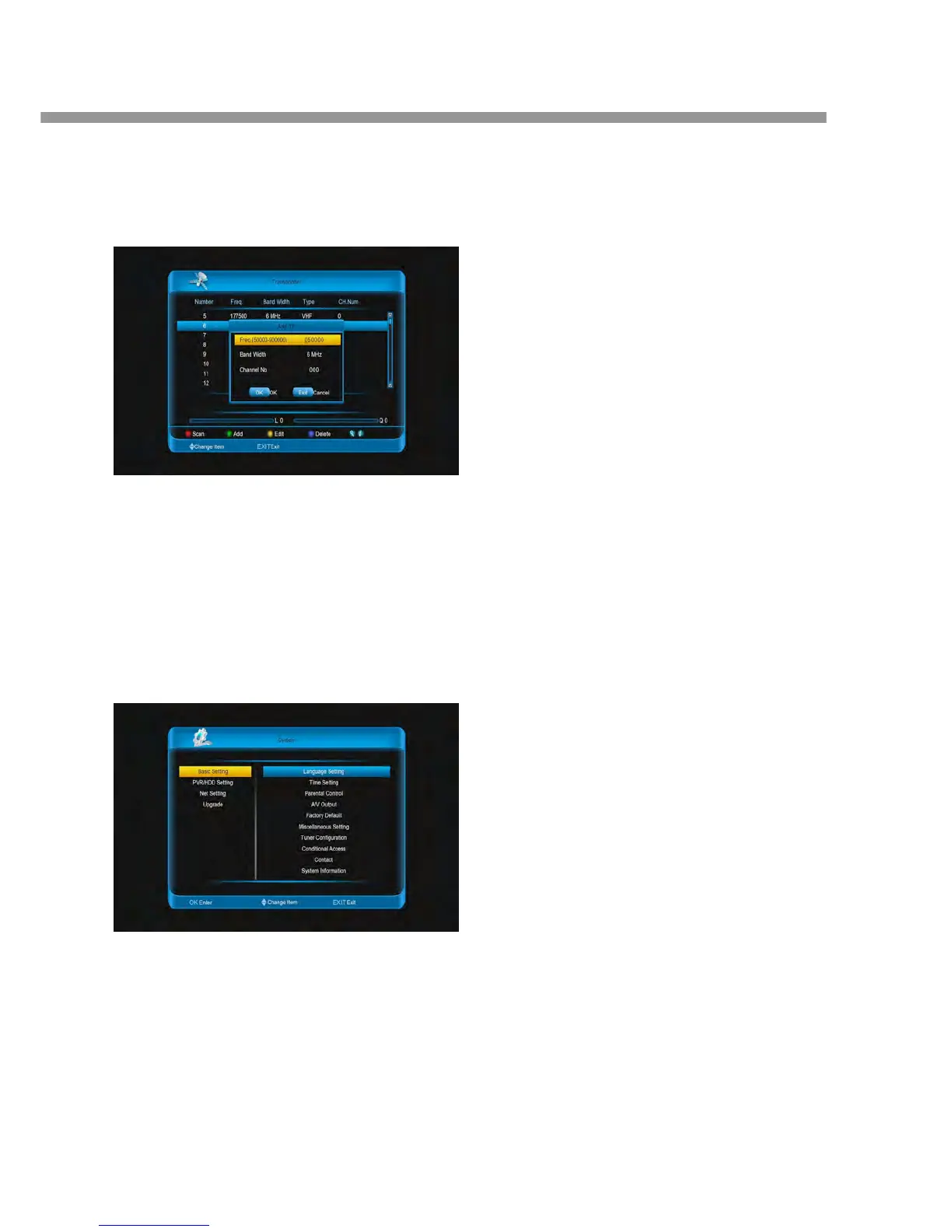
transponder.
9. Press [blue] button to delete the select
transponders.
10. Press [INFO] button to display the search channels
of the transponder.
In auto installation:
Press [ok] button to enter and it auto scanning
channels.
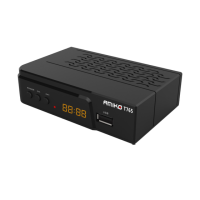
9 System
Go to menu/system, you can view the information of
the system, Basic Setting, PVR/HDD Setting, Net
Setting, Upgrade.
Note: Press [EXIT] button to exit.
9.1 Basic Setting
Go to Menu/System/ Basic Setting, in this menu, there
has Language Setting, Time Setting, Parental Control,
A/V Output, Factory Default, Miscellaneous Setting,
Tuner Configuration, Conditional Access, Contact,
System Information.
9.1.1 Setting language
1. Menu Language: Press [ok] button, then press
▼] buttons to select on option, at last press [ok
button. Or [◄, ►] buttons select an OSD menu
language.
2. Audio Language: Press [ok] button, then press
▼] buttons to select on option, at last press [ok
button. Or [◄, ►] buttons select an audio
language.
Note: Some channels have more than one audi
language for choosing, by this function you can
the first audio for this channel. If the playing
channel has the same audio as the “First Audio”
set, system will play this audio language as defa
If the channel hasn’t the suited audio language,
then the default language of current channel wi
be played automatically. The selections of audi
languages include: English, French, German,
Russian, Arabic, Portuguese, Turkish, Spanish,
Polish, Italian and so on.
3. Audio Priority: Press [ok] button, then press [
▼] buttons to select on option, at last press [ok
button. Or [◄, ►] buttons select Dolby Digital
Language.
Dolby Digital: Dolby audio track will be played
the current channel has dolby audio track.
Language: Don’t priority play dolby audio trac
the channel that has dolby audio track.
4. EPG Language: Press [ok] button, then press [
▼] buttons to select on option, at last press [ok
button. Or [◄, ►] buttons select EPG language
5. Subtitle Language: Press [ok] button, then pre
[▲, ▼] buttons to select on option, at last pres
[ok] button. Or [◄, ►] buttons select the subti
language. It is an item for changing the languag
the Subtitle. As long as the services support it, t


 To Next Page