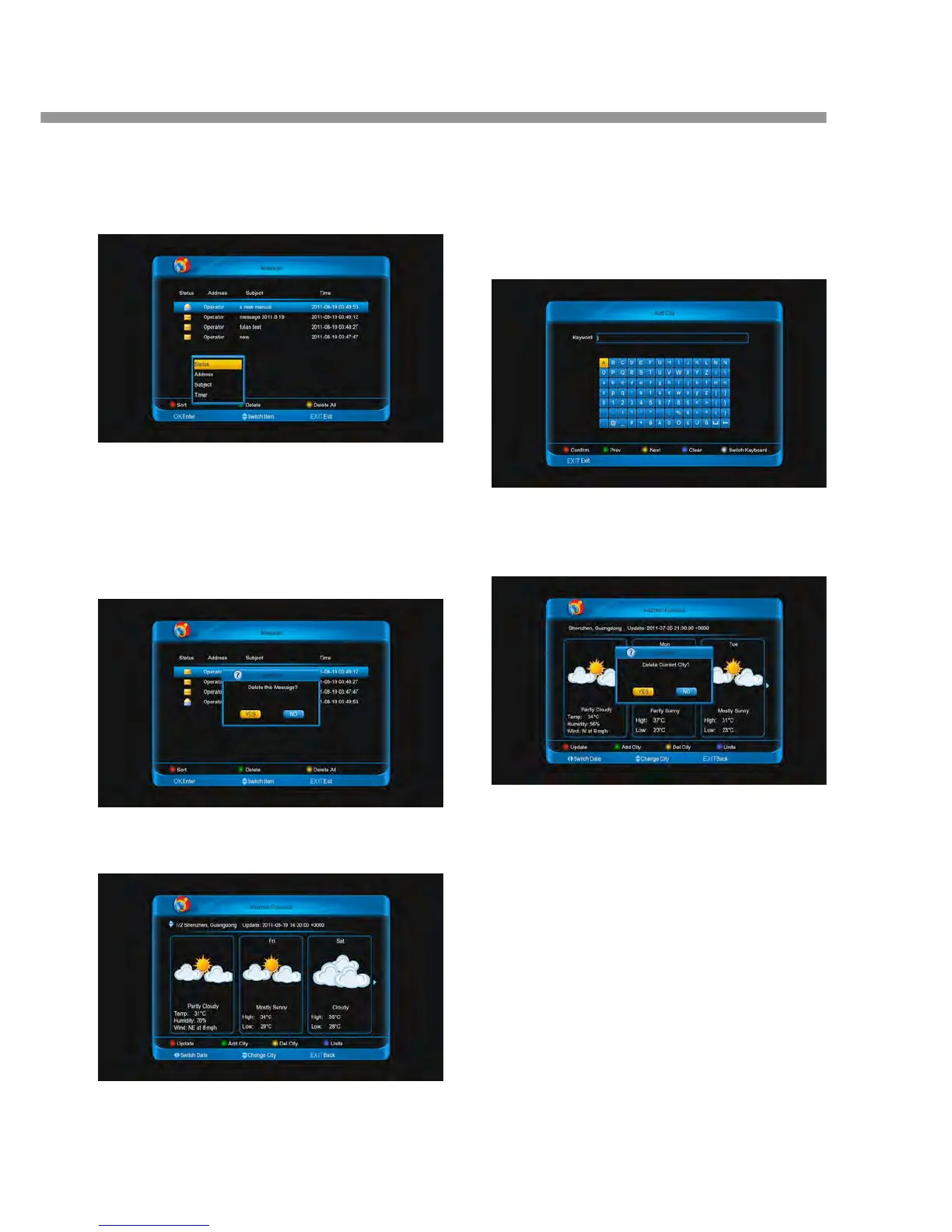
1. Press [red] button
2. Press [▲, ▼] buttons to select an option.
Status, Address, Subject, timer
3. Press [ok] button.
11.1.3 Delete message
1. Press [green] button to delete the selected
message.
2. Press [yellow] button to delete all message of the
list.
11.2 Weather Forecast
11.2.1 Add City
1. Press [green] button to enter into Add City me
2. Input the city name that you want, and press [
button to confirm.
Note:
1. You can only add five cities at most.
2. Press [▲, ▼] buttons to change city.
11.2.2 Delete City
Press [yellow] button to delete the current city.
11.2.3 Update the information
Press [red] button to update the information of cu
city.
11.2.4 Change Units
Press [blue] button to change the units.


 To Next Page