Note: Moisture may be formed on the lens In the following conditions:
when the unit is suddenly moved from a cold environment or an air-condition room to a warm
place.
immediately after a heater has been turned on.
in a steamy or very humid room.
If the moisture forms inside the unit, it may not operate properly. To correct this problem, turn on
the power and wait about two hours for the moisture to evaporate.
Parts Replacement: When the unit parts need to be replaced, user should make sure the service
technician use the replacement parts specified by the manufacturer or having the same
characteristics as the original part. Unauthorized replacement may put the unit In the risk of fire,
electric shock or other hazards.
Safety Check: After all the maintenances and repairs are done, user is required to request the service
technician to conduct the overall safety check to ensure the machine is In the proper condition.
2 INTRODUCTION
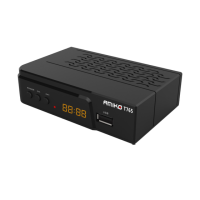
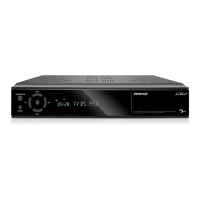
Thank you for purchasing the HD Receiver.
This HD Receiver is fully compliant with the international DVB standard and thus transmits digital images
sounds, information guides and teletext directly to your TV through the broadcasting.
Now you can comfortably see and receive digitally transmitted music, news, movie and sports broadcasts i
your office or at your home.
In service search section, both the automatic service search method and the manual search mode are provided
You can save up to Endless TV and Radio services and work around with the favorite, Lock, Delete, Move an


 To Next Page