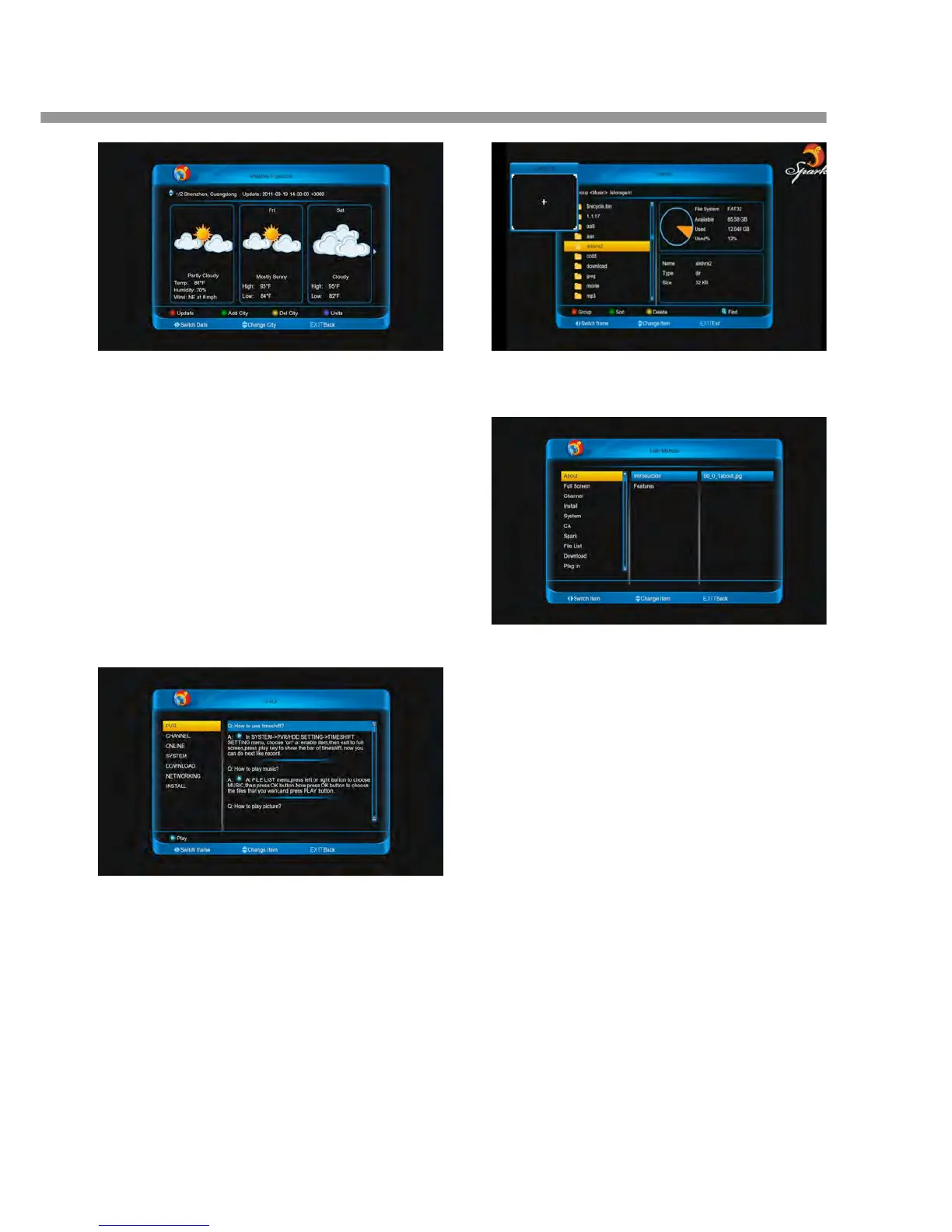
11.2.5 Switch Date
Press [◄, ►] buttons to switch date.
Note: It only display four dates weather in a city.
11.3 FAQ
11.3.1 Play the demo video
1. Press [◄, ►] buttons to switch frame.
2. Press [▲, ▼] buttons to change item.
3. Press [PLAY] or [ok] button to download and play
the demo video.
11.3.2 Zoom the video
When play the video:
1. Press [ZOOM] button to zoom it of 1, 4, 9 or 16
times.
2. Press [◄, ►] and [▲, ▼] buttons to move the
zoom place.
11.4 User Manual
11.4.1 Resource transfer mode is HT
begins to download and play the picture.
11.4.2 Resource transfer mode is FTP
When you enter the User Manual menu, it begin
download the entire manual.
1. Press [◄, ►] and [▲, ▼] buttons to switch ite


 To Next Page