EasyManua.ls Logo

Ampac FireFinder II Series - User Manual

Ampac FireFinder II Series
87 pages
Print Icon
To Next Page IconTo Next Page
Loading...
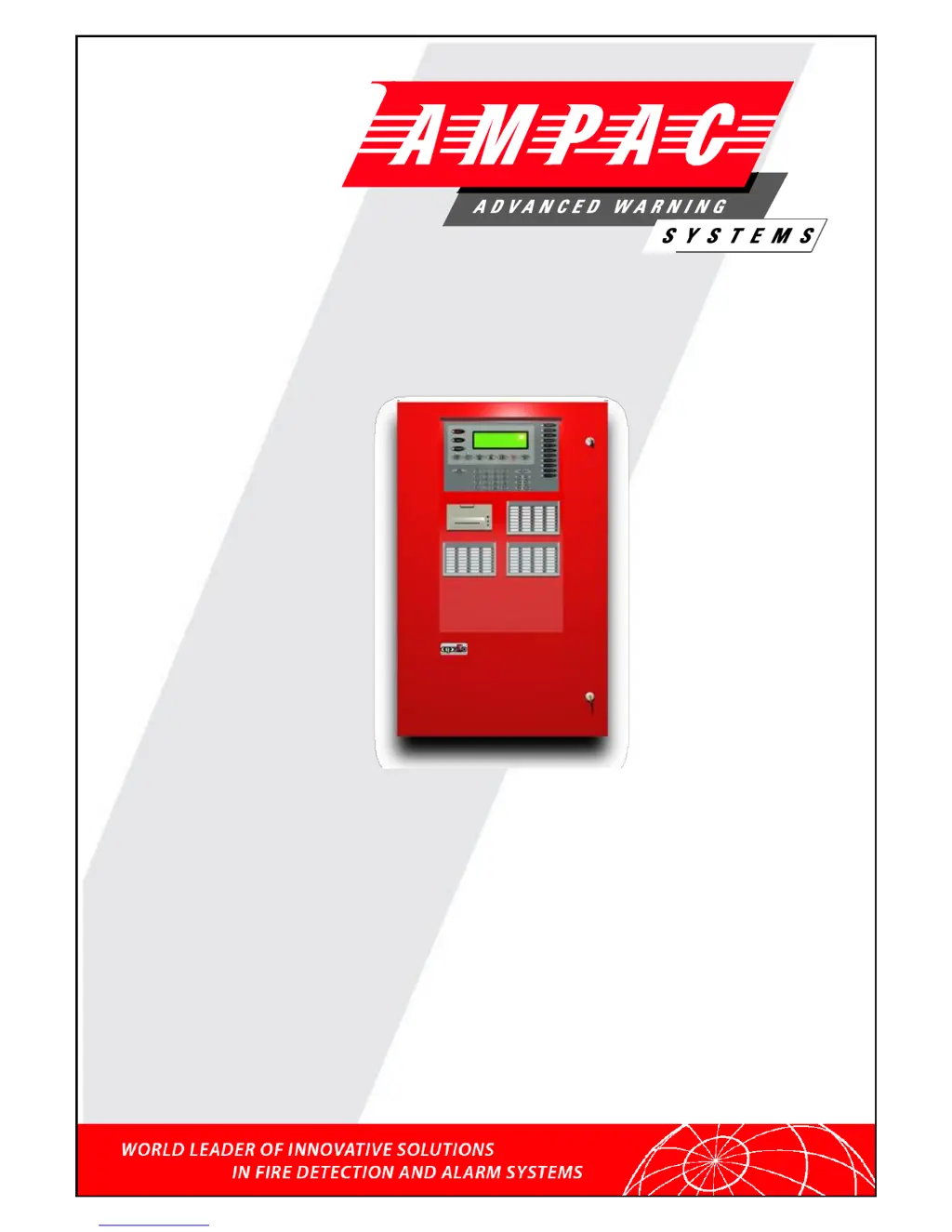
FIREFINDER SERIES II FIRE BRIGADE RESPONSE
GUIDE
Fire Alarm Control Panel
Series II
SE Asia (CP10, MS1404)
Installation, Commissioning &
Operation
MAN 2536-6
FireFinder

Table of Contents

Other manuals for Ampac FireFinder II Series

Questions and Answers

  • H
    heidihigginsJul 30, 2025
    What to do if FACP System Fault LED is illuminated on Ampac FireFinder II Fire Alarms?
    • M
      Marc CarpenterJul 30, 2025
      If the FACP System Fault LED is illuminated, ensure the correct panel configuration. Also, check all connections for loose wiring.
  • F
    Frances HerringAug 3, 2025
    What to do if FACP Earth Fault LED is illuminated on Ampac FireFinder II Fire Alarms?
    • B
      Brandon HendricksAug 3, 2025
      If the FACP Earth Fault LED is illuminated, check all input and output cabling and wiring assemblies for shorts to ground.
  • B
    Brenda WoodAug 7, 2025
    What to do if FACP Warning System Fault LED is illuminated on Ampac FireFinder II?
    • B
      Bianca SchaeferAug 8, 2025
      If the FACP Warning System Fault LED is illuminated, check that the correct E.O.L. is fitted and verify that the wiring is connected correctly.
  • E
    Evan BanksAug 12, 2025
    What to do if the RS485 Communication Bus is not working on my Ampac Control Panel?
    • D
      Daniel ReyesAug 12, 2025
      If the RS485 Communication Bus is not working on your Ampac Control Panel, refer to the FACP LCD for potential break locations in the communication line. Verify that the SmartTerminal Diagnostic Config LED is flashing; if not, the FACP isn't communicating with the SmartTerminal. Inspect the RS485 cabling and, if flashing, check the SmartTerminal’s address.
  • M
    Mr. John SpencerAug 16, 2025
    What to do if the FACP Earth Fault LED is illuminated on my Ampac Control Panel?
    • M
      mcaseAug 16, 2025
      If the FACP Earth Fault LED is illuminated on your Ampac Control Panel, check all input and output cabling and wiring assemblies for any shorts to ground.
  • E
    edwardlivingstonAug 20, 2025
    What to do if the FACP Warning System Fault LED is illuminated on my Ampac Control Panel?
    • C
      carla71Aug 20, 2025
      If the FACP Warning System Fault LED is illuminated on your Ampac Control Panel, verify that the correct End-of-Line resistor is fitted and that the wiring is connected correctly.
  • P
    Penny GarnerAug 25, 2025
    How to fix RS485 Communication Bus not working on Ampac FireFinder II?
    • E
      Eric WatsonAug 26, 2025
      Refer to the FACP LCD to identify any breaks in the communication line. Check if the SmartTerminal Diagnostic Config LED is flashing; if not, the FACP isn't communicating with the SmartTerminal. Check the RS485 cabling, and if the LED is flashing, check the SmartTerminal’s address.

Summary

FireFinder Description

Operational Parameters

Power Supplies and AC Mains Installation

Connecting the Mains Earth

Procedure for earthing the system power supply.

Brigade; PSU Monitor Board

Battery Connections (TB1)

Details for connecting the system batteries.

Main Board

Front Panel Board

Main CPU

Slave CPU

Conventional Zone Board

Addressable Loop Termination Board

16;16 Input; Output Board

8 Way Relay Board

16 Way Input Board

Serial Relay Board

Board for serial relay communication.

External Control Interface Board

Zone & General Indicator Card

8 Way Sounder; Bell Monitor Board

LED Mimic Board

High Level Interface Expander

Communications Extender Board

Smart Terminal Setting the Address

Smart Terminal Operation

Smart Terminal Controls and Indicators

Smart Terminal Configuration

Smart Terminal Troubleshooting

Trouble Shooting Chart

Troubleshooting chart for Smart Terminal.

FireFinder Control Panel

Controls & Indicators

Details the controls and indicators on the panel.

Control Panel Navigation and Indicators

Functions And Menus

Main Menu

Testing Menu

Alarm Test

Procedure for testing alarms.

Fault Test

Procedure for testing faults.

Lamp Test and Sounders

Lamp Test

Procedure for testing panel LEDs.

Main Functions

The Function Test Facility

Function Manual I;O Control

Function Access and Passwords

Function Programming

Conventional Zone Programming

Programming conventional zones.

Device and Input Programming

Device Programming

Programming device details.

Input Programming

Configuring input settings.

Output Programming and Watchdog

Output Programming

Configuring output settings.

Self Learn and Extra Devices

Mismatch Detected

Incoming Fire Alarm Signal

Accessing a Loop, Sensor or Zone

RS232 Modem; Programming; Debug Interfacing

Troubleshooting Chart

Address Setting

Maintenance

Regular Testing and Inspection

Overview of testing procedures.

Daily and Weekly Checks

Daily Check

Daily system operational check.

Weekly Test

Weekly system testing procedures.

Monthly and Annual Tests

Ampac FireFinder II Series Specifications

General IconGeneral
TypeFire Alarm Control Panel
ManufacturerAmpac
SeriesFireFinder II
CommunicationRS-485, Ethernet (optional)
Zones2 to 8 zones
SLC Loops1 or 2 loops
NAC OutputsVaries by model (typically 2 or 4)
Input Voltage120VAC or 240VAC, 50/60Hz
Battery Backup24VDC battery backup
Number of Zones2 to 8
Communication ProtocolProprietary
CompatibilityCompatible with Ampac devices and select third-party devices
CertificationsUL, FM, CSFM

Related product manuals