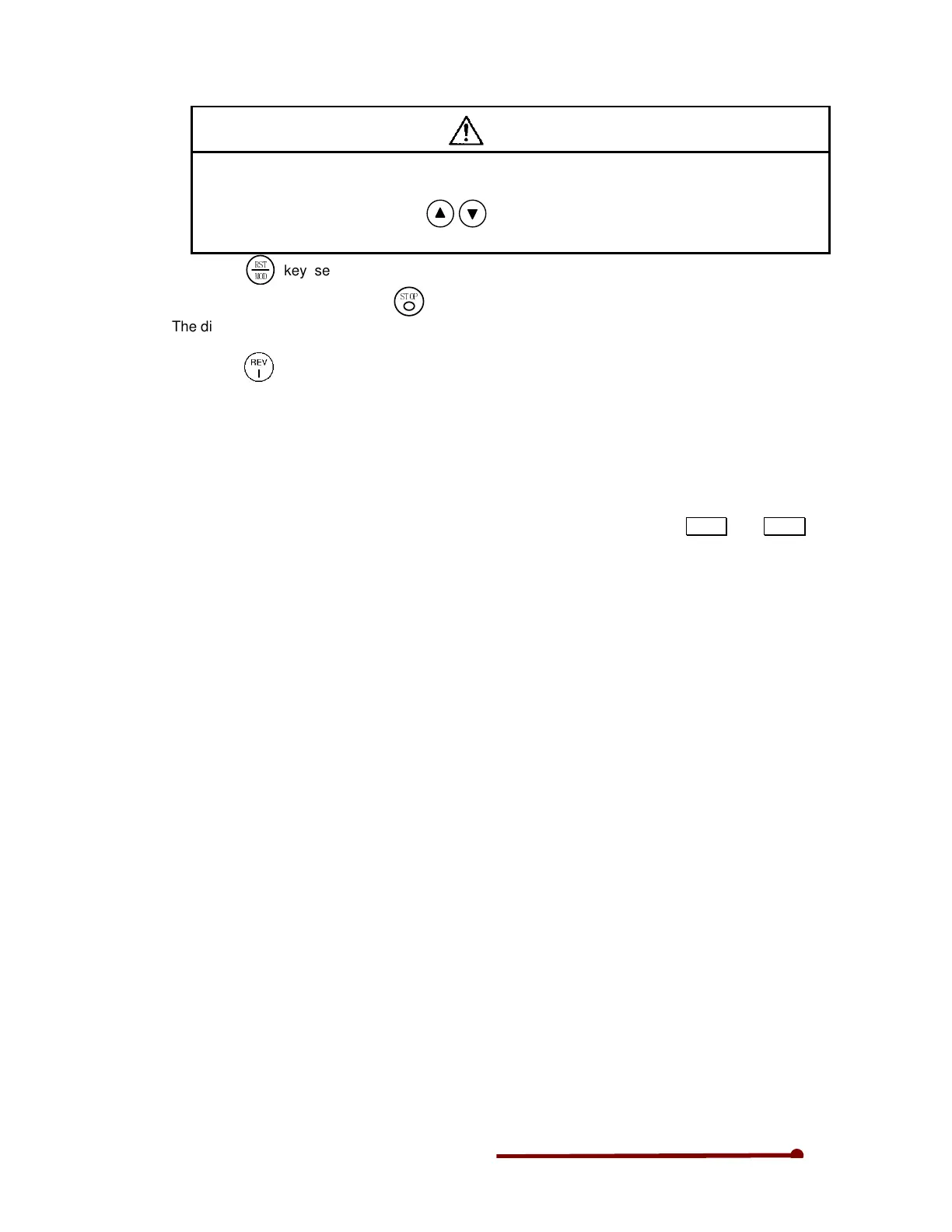
CAUTION
A 10-second acceleration and 20-second deceleration ramp time are set as defaults. The motor
will slowly increase its speed to the set value.
When making a setting (using the
keys), check that the motor operates correctly at
each increment of approx. 10Hz.
10) Press the
!"
#$%
key several times, and display D00-0. When the output frequency ("D00-0"
display) reaches 50Hz, press the
!"#$
key.
The display will decrease to "0.00" in several seconds. The "FWD" or "REV" LED will flicker for two
seconds while the DC-brake is applied and the motor will stop.
11) Press the key, and test the reverse run at 50Hz.
(Note) Do not carry out this step if a load which cannot be run in reverse is connected.
This completes the test operation with the operation panel.
After this, refer to Chapter 5 and carry out the settings and adjust the load operation to match the
user's application.
12) Acceleration / Deceleration Time
Program the required acceleration time and deceleration time in parameters A01-0 and A01-1
respectively. The value programmed is the time from zero to maximum frequency in seconds
(Acceleration Time) or maximum frequency to zero in seconds (Deceleration Time).


 To Next Page