Amtech
Chapter-4: Remote Terminal Operation
4-1 Start / Stop Operation from terminal
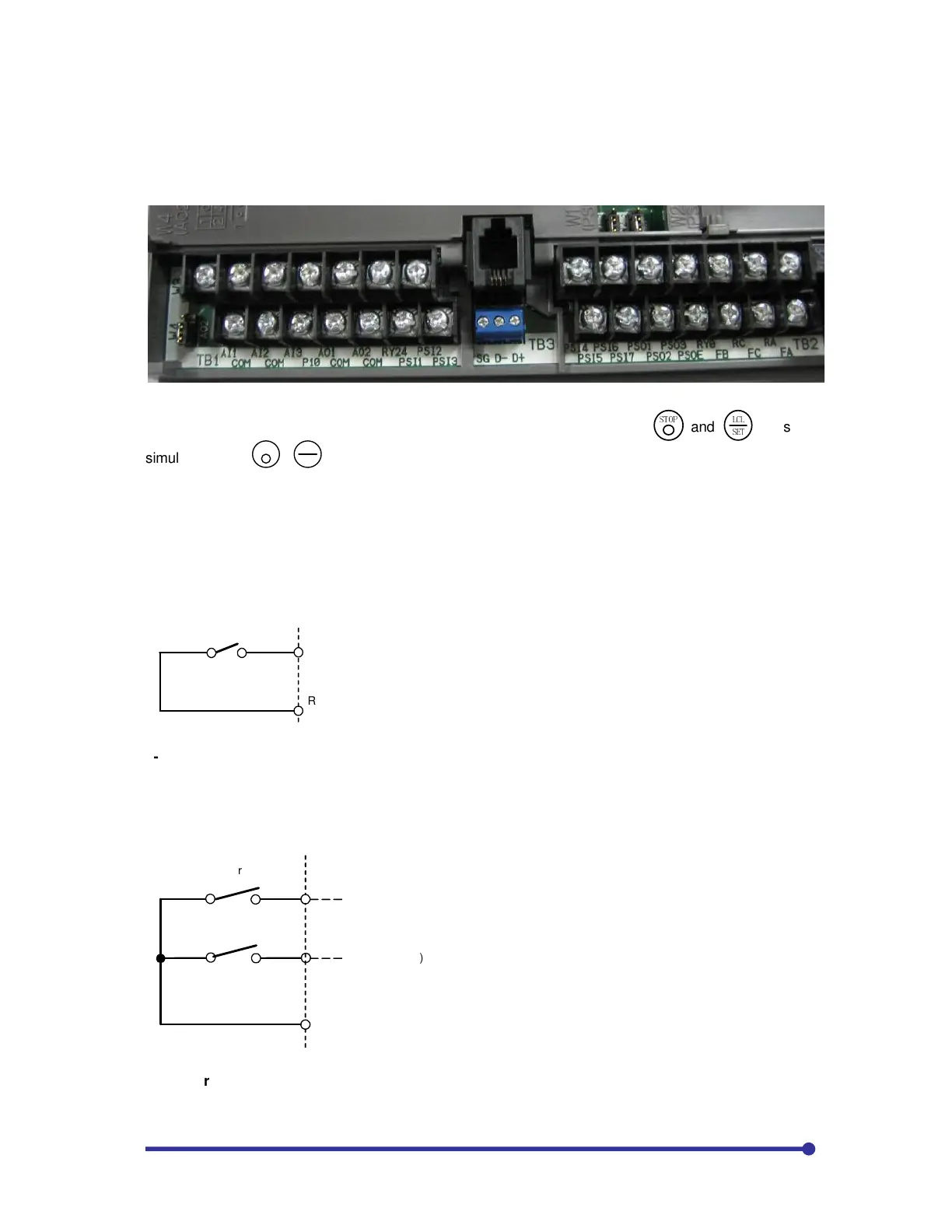
In default condition, basic operation (start/stop) control is from digital operation panel (LCL). The basic
operations (start/stop) can be controlled from terminal shown in the below fig.
When LCL LED is off, the drive is in the Remote Mode and can be controlled from the terminal block
(sequence input signals). To change Modes between Local and Remote, press
!"#$
and
%&%
'!
keys
simultaneously
+
STOP
LC
SE
.
Change this setting while operation is stopped
.
Select start/stop command method using C00-0.
4-1-1 Two wire start/stop (C00-0=1): This mode is also called maintined type start/stop. In this
method, the F:RUN or R:RUN is through 2-wire. Assign sequence command, F.RUN and R.RUN with
C03-0=1 and C03-2=2. In this example, PSI1 is used. Connect two wires to PSI1 and RY0 through
switch (NO) for forward run. When the switch is closed, the drive will start. It will stop when the switch is
opened.
PSI1
F: RUN
RY0
START
4-1-2 Two wire start/stop with separate input for direction change (C00-0=2): Set the sequence
command, F.RUN and R.RUN with C03-0=1 and C03-2=2. In this example, PSI1 and PSI2 are used.
As in default condition, PSI2 is assigned to RESET in C03-7, set C03-7=0. In this mode, the start/stop
is controlled by the switch connected between PSI1 & RY0 and the direction is decided by the status of
the switch connected between PSI2 & RY0. If the switch at PSI2 is open, the direction is forward. If the
switch at PSI2 is closed, the direction is reverse.
Reverse
PSI2
PSI1
F: RUN
RY0
R: RUN (REV)
Start
4-1-3 Three wire start/stop (self hold): This mode is also called as momentary start/stop as the
start/stop operations are through push buttons. Set the sequence command, F.RUN and HOLD with
C03-0=1 and C03-5=2. In this example, PSI1 and PSI2 are used. As in default condition, PSI2 is


 To Next Page