Amtech
24
6-2 Block-A parameters
The parameters used most frequently have been grouped in Block-A.
V/f: Indicates parameters that apply for V/f control (constant torque, variable torque) (C30-0: f0 = 1).
VEC: Indicates parameters that apply for IM speed sensor-less vector control and IM speed vector
control with sensor (C30-0: f0 = 2, 3).
PM: Indicates parameters that apply for control mode with PM motor sensor (C30-0: f0 = 4).
*
U
Indicates a parameter which functions during drive operation or when the V/f control is active
during automatic tuning.
RWE: Displays the parameters that can be changed during operation.
Reference page: The number of the page providing detailed explanations is indicated.
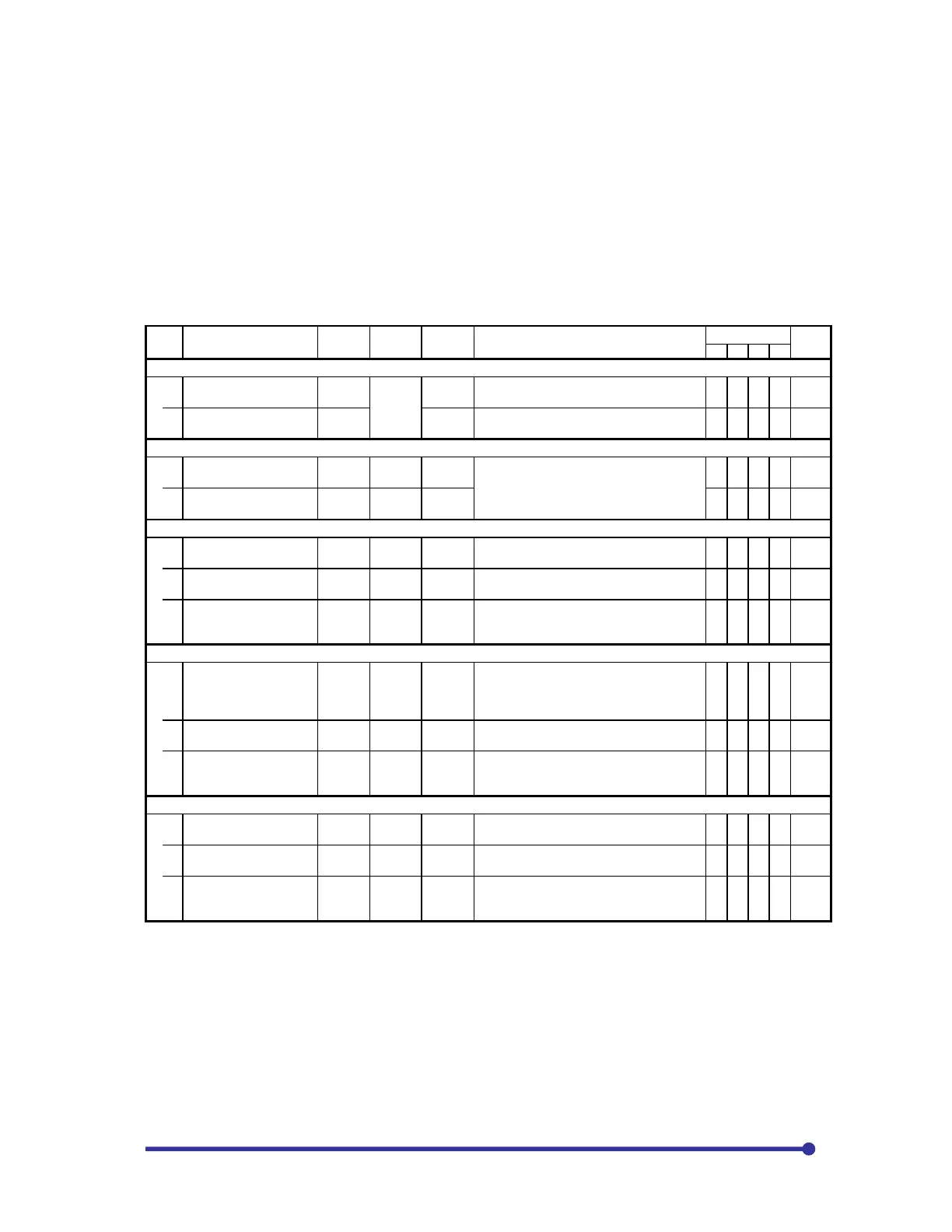
Block-A parameters list
No. Parameter Min. Max.
Default
(Unit)
Function
Application
Ref.
page
V/f
VEC
PM
A00 – Frequency setting
0 Local frequency setting 0.10
Max.
fre-
quency
10.00
(Hz)
This is the frequency set from the operation
panel.
{
{
6-87
1 Jogging frequency 0.10
5.00
(Hz)
This is the frequency setting for jogging.
{
{
6-87
A01 – Acceleration/deceleration time
0 Acceleration time – 1 0.1 6000.0
10.0
(s)
The value can be displayed in units of 0.1
or 10 times as set on B10-5.
The time to reach the max. Frequency or
max. speed from 0 is set.
{
{
{
{
6-87
1 Deceleration time – 1 0.1 6000.0
20.0
(s)
{
{
{
{
6-87
A02 – Torque boost
0
Manual torque boost
selection
1. 2. 2. 1: Disable = 2: Enable {
6-88
1
Automatic torque boost
selection
1. 2. 1. 1: Disable = 2: Enable {
6-88
2
Manual torque boost
setting
0.00 20.00
Inverter
rating
(%)
Set the boost voltage at 0Hz.
This is automatically adjusted by the
automatic tuning.
{
{
6-90
A03 – DC Brake
0 DC braking voltage 0.01 20.00
Inverter
rating
(%)
This is automatically adjusted by the
automatic tuning. When setting manually,
monitor the output voltage and change the
setting in increments of 1% or less.
{
{
6-87
1 DC braking time 0.0 20.0
2.0
(s)
Set the time to apply the DC brakes.
{
{
{
{
6-87
2 DC braking current 0. 150.
50.
(%)
This is used instead of the DC brake
voltage in the vector mode and PM mode.
This is not adjusted with automatic tuning.
{
{
{
6-87
A05 – Parameter B and C indicatory skip
0
Parameter B and C
extended setting
1. 2. 2. = 1: Display, = 2: Skip
{
{
{
{
6-91
1
Parameter B and C
software option function
1. 2. 2. = 1: Display, = 2: Skip {
{
{
{
6-91
2
Parameter B and C
hardware option
function
1. 2. 2. = 1: Display, = 2: Skip {
{
{
{
6-91


 To Next Page