61
Setting Up the S yst em Pr ef er ence s
Setting Up the System Preferences
Navigating the SETUP Menu
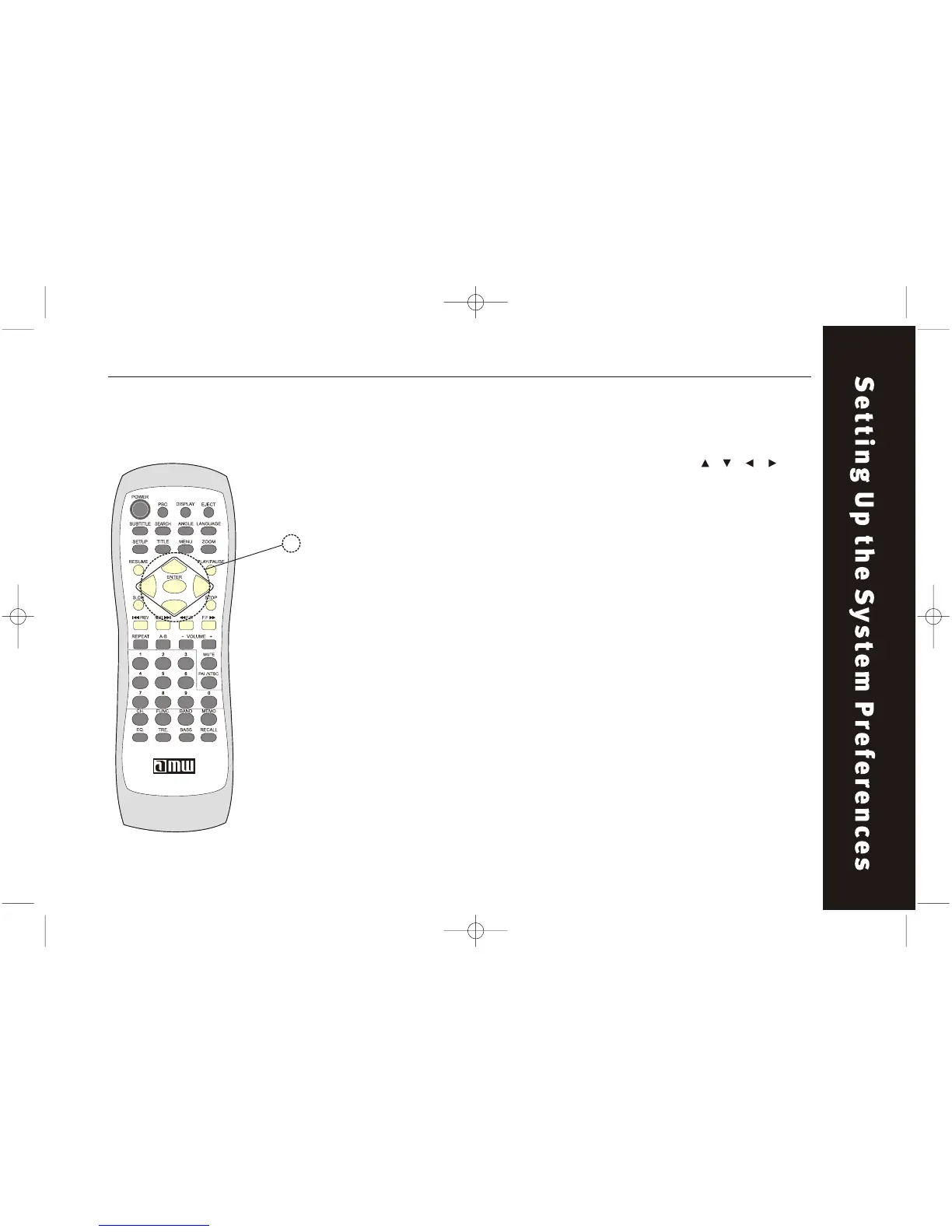
Use the remote to navigate the system SETUP Menu. Use the " / / / "
buttons to select the item you want and press "PLAY" button
to confirm.
Button area to be used throughout this section.
w the menu works:
After pressing SETUP a menu should appear on your TV scr een. Four major
categories (General Setup, Audio Setup, Video Setup, and Preference Setup)
are all represented by icons at the top of the menu. Within each of these are
several specific features that affect your viewing/listening experience.
Use the arrow keys to first select one of the icons. Note that the features
bellow them change accordingly. Each feature in a list has a few options to
choose from. Those options are also accessed with the arrow keys on the
remote.
The following pages represent the options you'• ll see and provide brief
descriptions where necessary.
Ho



 To Next Page