On
Of f
- - General Setup Page - -
TV Display
Angle Mark
OSD Lang
Captions
Screen Saver
Last Memory
PS
On
ENG
On
On
Of f
Set Angle Mark
English
Chinese
- - General Setup Page - -
TV Display
Angle Mark
OSD Lang
Captions
Screen Saver
Last Memory
PS
On
ENG
On
On
Of f
Set OSD Language
On
Of f
- - General Setup Page - -
TV Display
Angle Mark
OSD Lang
Captions
Screen Saver
Last Memory
PS
On
ENG
On
On
Of f
Closed Caption
63
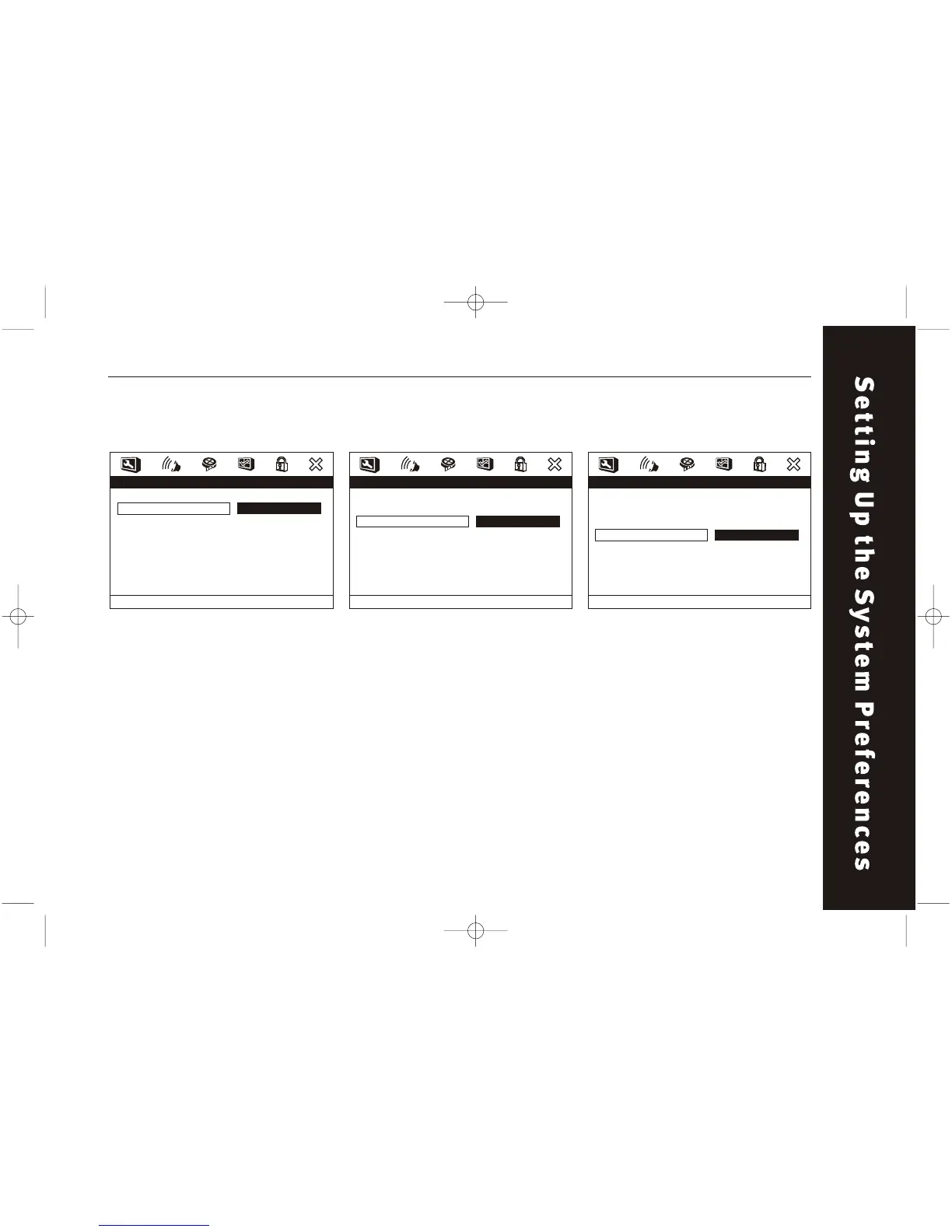
ANGLE MARK
This function can be set to ON or
OFF. Only works on discs that
support multiple angle view
feature.
General Setup / Angle Mark
OSD LANG
The setup menu can shown in
other languages. Turning the power
off will not effect the setting. The
setting can only be changed on the
setup menu. Note: Some DVDs may
not include the pre-selected
languages. In this case, the player
automatically displays menu which
is consistent with the disc's initial
language setting.
General Setup / OSD Lang
CAPTIONS
This function allows you to turn
the subtitles ON or OFF.
General Setup / Captions



 To Next Page