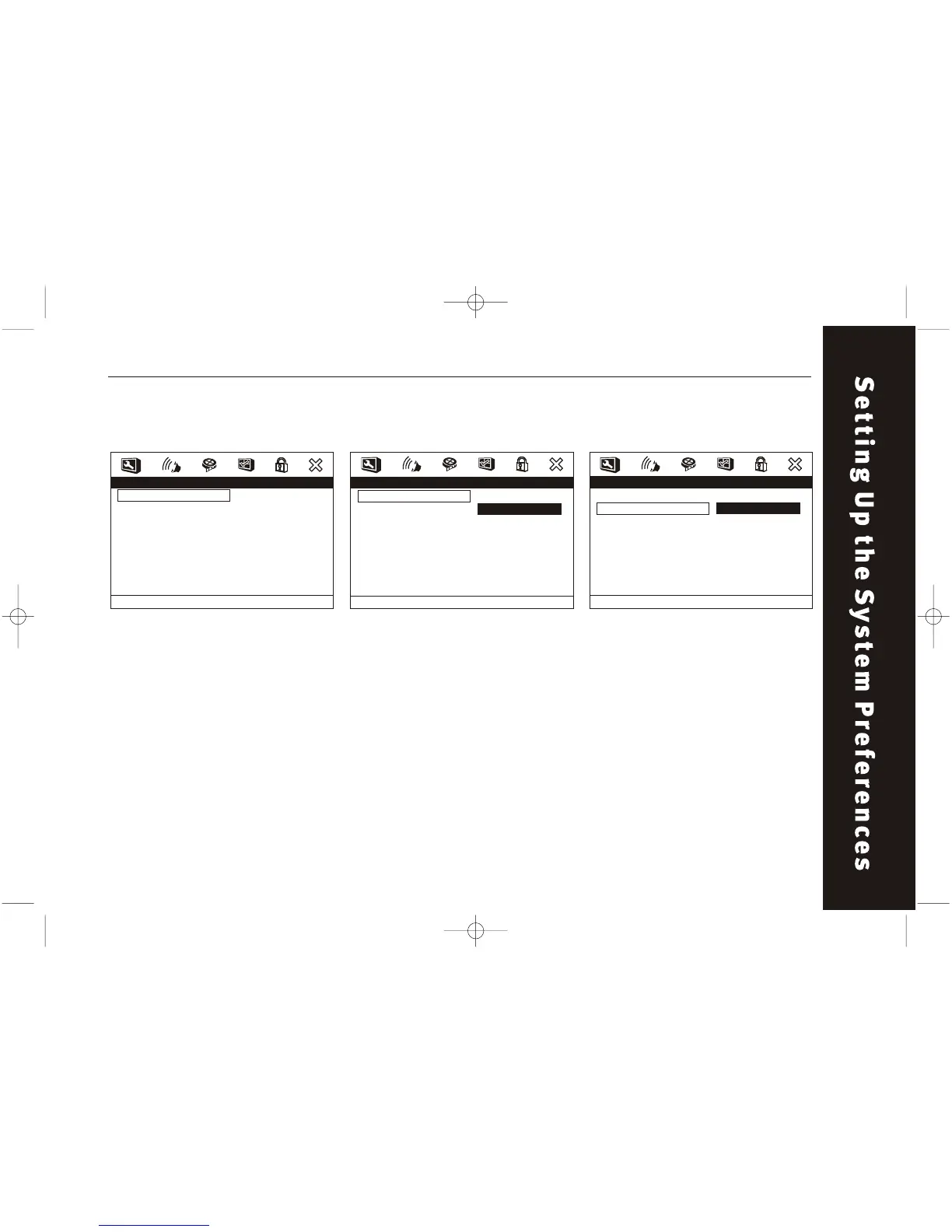
- - Speaker Setup Page - -
Downmix
Fr ont Speaker
Center Speaker
Rear Speaker
Subwoofer
Test tone
Dialog
Post DR C
STR
LRG
SML
SML
On
Of f
00
Auto
Large
Small
Setup Fr ont Speaker
- - Speaker Setup Page - -
Downmix
Fr ont Speaker
Center Speaker
Rear Speaker
Subwoofer
Test tone
Dialog
Post DR C
STR
LRG
SML
SML
On
Of f
00
Auto
LT/RT
Ster eo
V SURR
Of f
Set Downmix Mode
65
DOWNMIX
Switches the mixing down
methods when you play a DVD
with rear signal components.
This function can be set to LT/RT,
STEREO, or OFF.
Audio Setup /Speaker Setup /
Downmix
Audio Setup /Speaker Setup / Front
Speaker
FRONT SPEAKER
These function allow you to
determine whether the front,
center, rear or subwoofer
speaker is LARGE or SMALL
depending on your needs.
Audio Setup / Speaker Setup
- - Audio Setup Page - -
Speaker Setup
SPDIF Setup
Dolby Digital Setup
Channel Delay
Equalizer
3D Processing
Go To
Speaker
Setup
Page



 To Next Page