80
Customer Service 1 626 968 6860
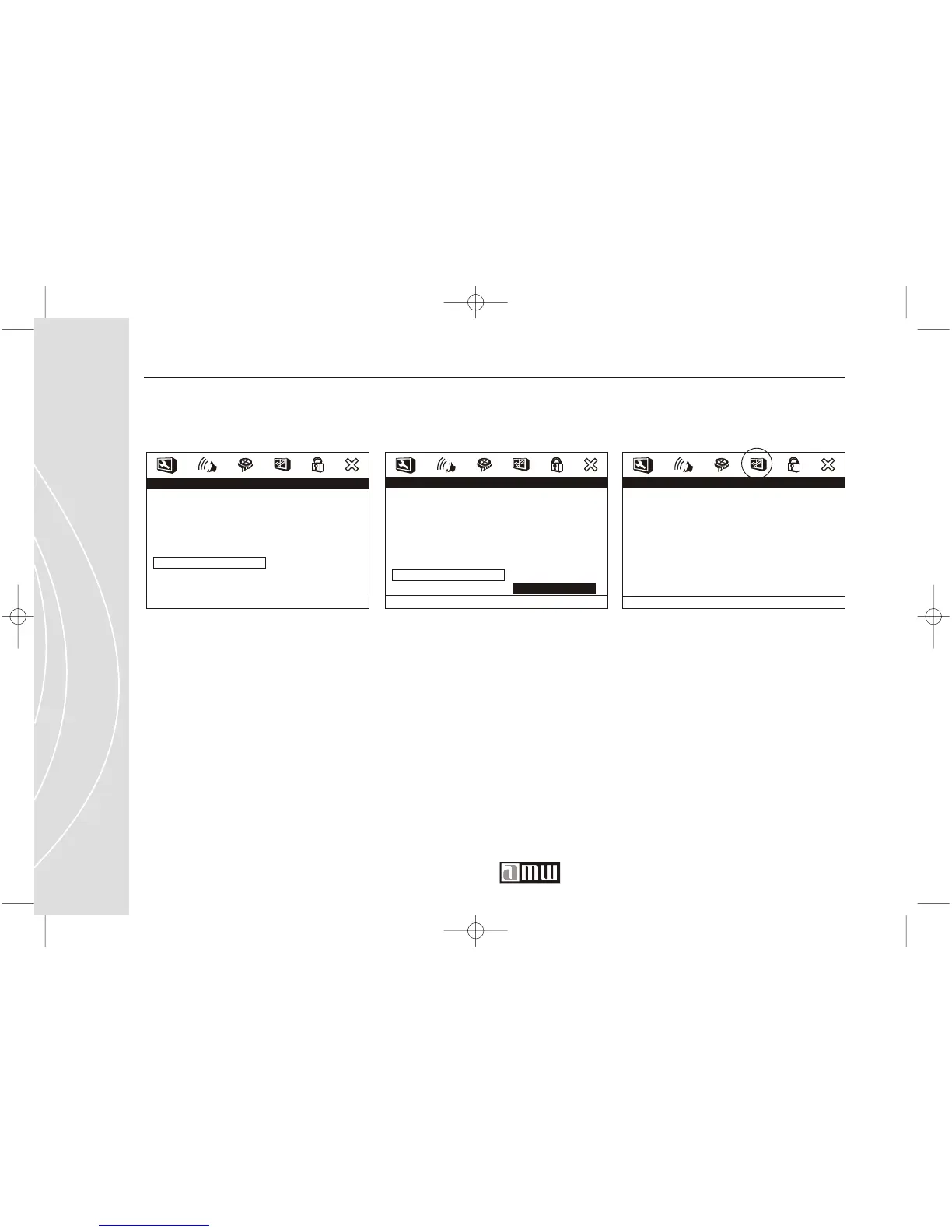
Video Setup / Quality / Luma DelayVideo Setup / Quality / Saturation
Adjust the LUMA DELAY.Adjust the SATURATION.
Video Quality Setup
Sharpness
Brightness
Contrast
Gamma
Hue
Saturation
Luma Delay
Lo w
00
00
None
00
00
1 T
Saturation
Video Quality Setup
Sharpness
Brightness
Contrast
Gamma
Hue
Saturation
Luma Delay
Low
00
00
None
00
00
1 T0
T
1 T
Luma Delay
Preference Setup
PREFERENCE SETUP
- - Prefer ence Page - -
TV Type
PBC
Audio
Subtitle
Disc Menu
Par ental
Country Region
Default
NTSC
On
ENG
JAN
USA
Go To
Prefer ence Page
NOTE:
If you want to access the Preference
Setup Page, please make sure there
is no disk inside the DVD player.
You can not adjust the settings of
the Preference Setup Page while a
disc is inside the player.



 To Next Page