81
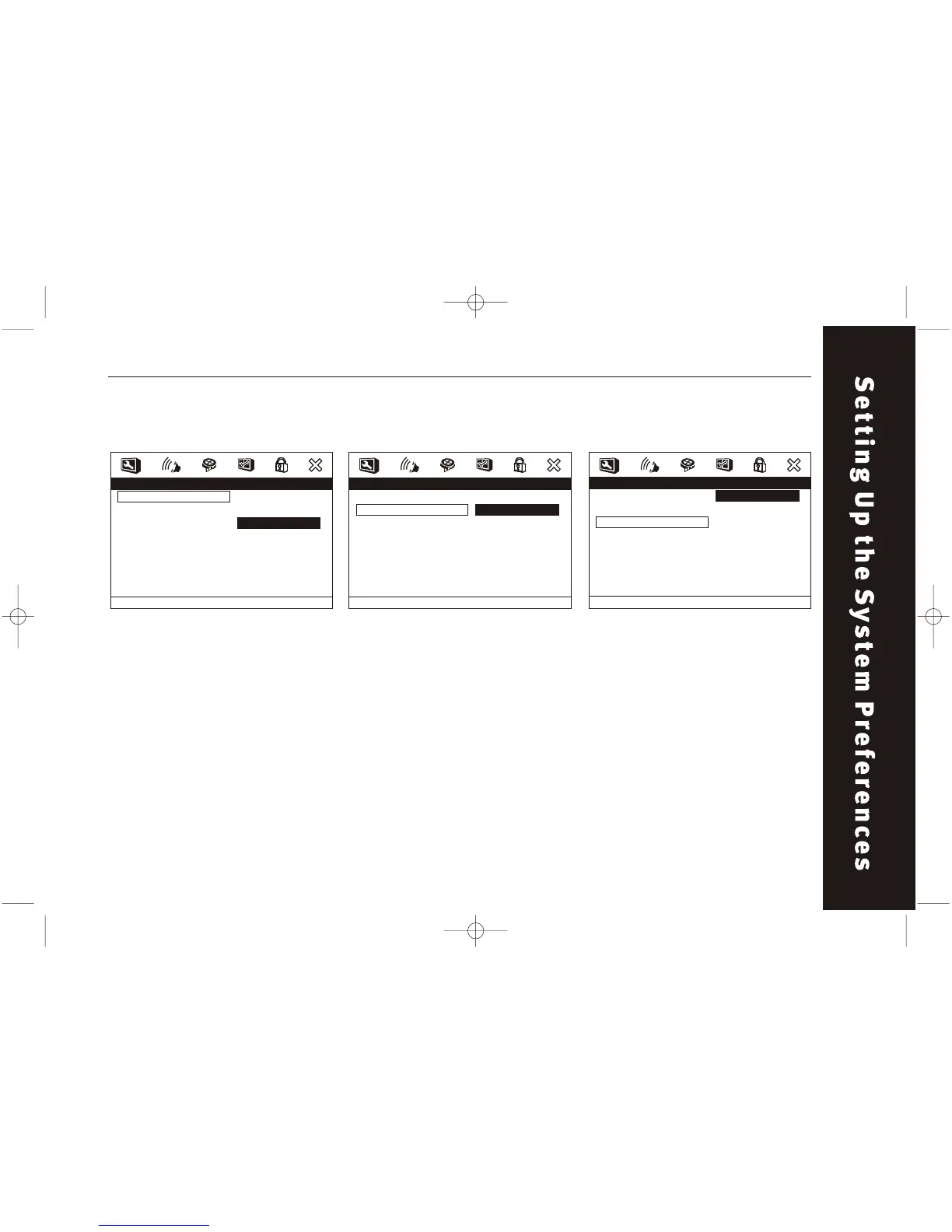
Preference Setup / TV Type Preference Setup / PBC
TV TYPE
Select the TV TYPE according to
the TV set. Includes NTSC, PAL
and MULTI.
PBC
Playback control. This is the
function especially for VCD.
Press PBC (ON) to program a
selected chapter. After this
material is completed, the root
menu will appear. Press PBC
(OFF) again to play movie
uninterrupted.
- - Prefer ence Page - -
TV Type
PBC
Audio
Subtitle
Disc Menu
Par ental
Country Region
Default
NTSC
On
ENG
JAN
USA
On
Of f
Set PBC State
- - Prefer ence Page - -
TV Type
PBC
Audio
Subtitle
Disc Menu
Par ental
Country Region
Default
NTSC
On
ENG
JAN
USA
PA L
Multi
NTSC
Set TV Standard
Preference Setup / Audio
AUDIO
Choose between several
languages (depending on the
DVD format).
- - Prefer ence Page - -
TV Type
PBC
Audio
Subtitle
Disc Menu
Par ental
Country Region
Default
NTSC
On
ENG
JAN
USA
English
Fr ench
Spanish
Chinese
Japanese
Korean
Russian
Thai
Preferr ed Audio Language



 To Next Page