- - Speaker Setup Page - -
Downmix
Fr ont Speaker
Center Speaker
Rear Speaker
Subwoofer
Test tone
Dialog
Post DR C
STR
LRG
SML
SML
On
Of f
00
Auto
On
Of f
Auto
Post DRC
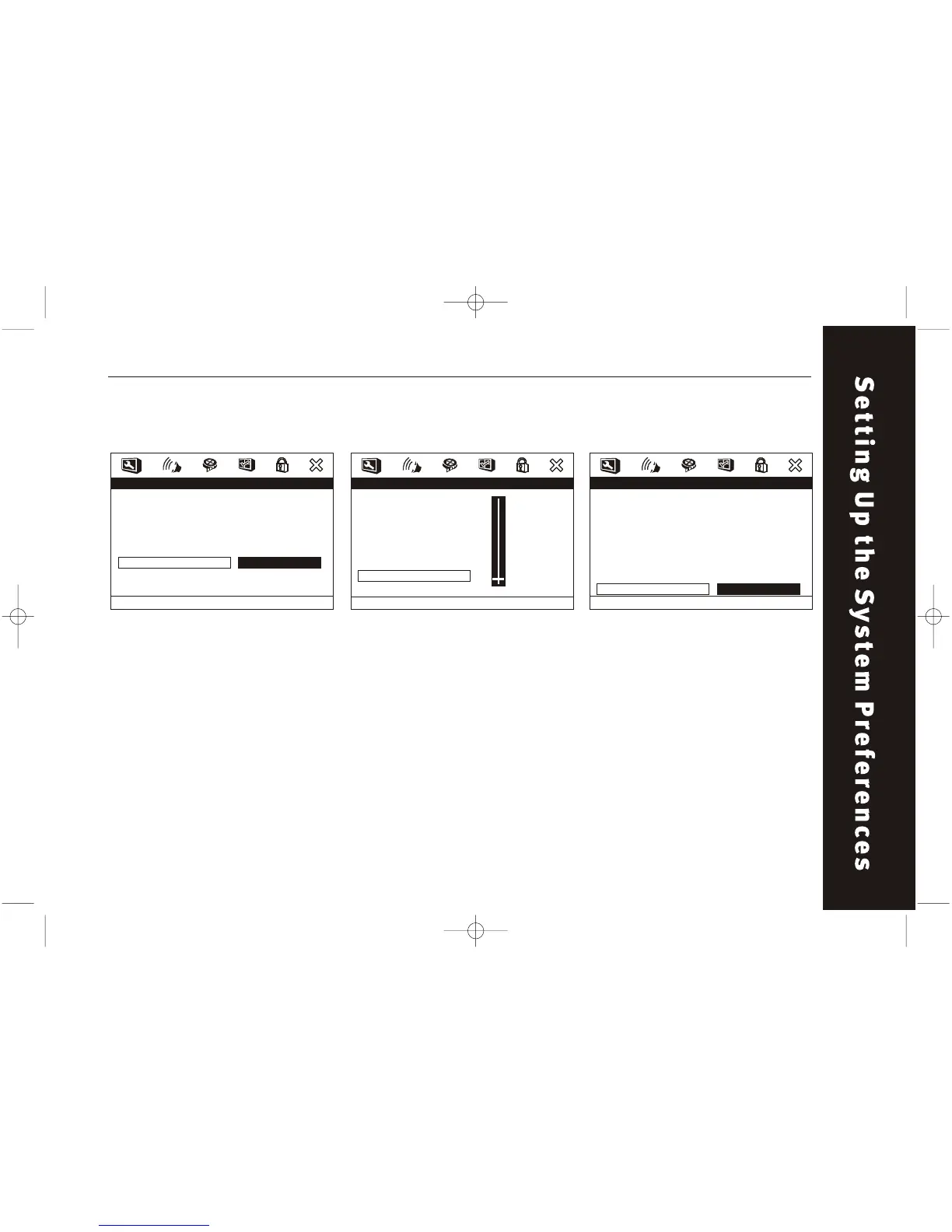
DIALOG
Adjust the dialog volume by
setting the Downmix as LT/RT or
"STEREO".
Audio Setup /Speaker Setup /Dialog Audio Setup /Speaker Setup / Post
DRC
POST DRC
This is selected to adjust post
dynamic range compression to
obtain different compression
results.
- - Speaker Setup Page - -
Downmix
Fr ont Speaker
Center Speaker
Rear Speaker
Subwoofer
Test tone
Dialog
Post DR C
STR
LRG
SML
SML
On
Of f
00
Auto
Dialog Volume
67
TEST TONE
This item allows you to open or
close the test tone function.
Downmix has to be set to OFF
when there is no disc in the
player.
Audio Setup /Speaker Setup / Test
Tone
- - Speaker Setup Page - -
Downmix
Fr ont Speaker
Center Speaker
Rear Speaker
Subwoofer
Test tone
Dialog
Post DR C
STR
LRG
SML
SML
On
Of f
00
Auto
On
Of f
Center



 To Next Page