62
Normal
Normal/LB
Wide
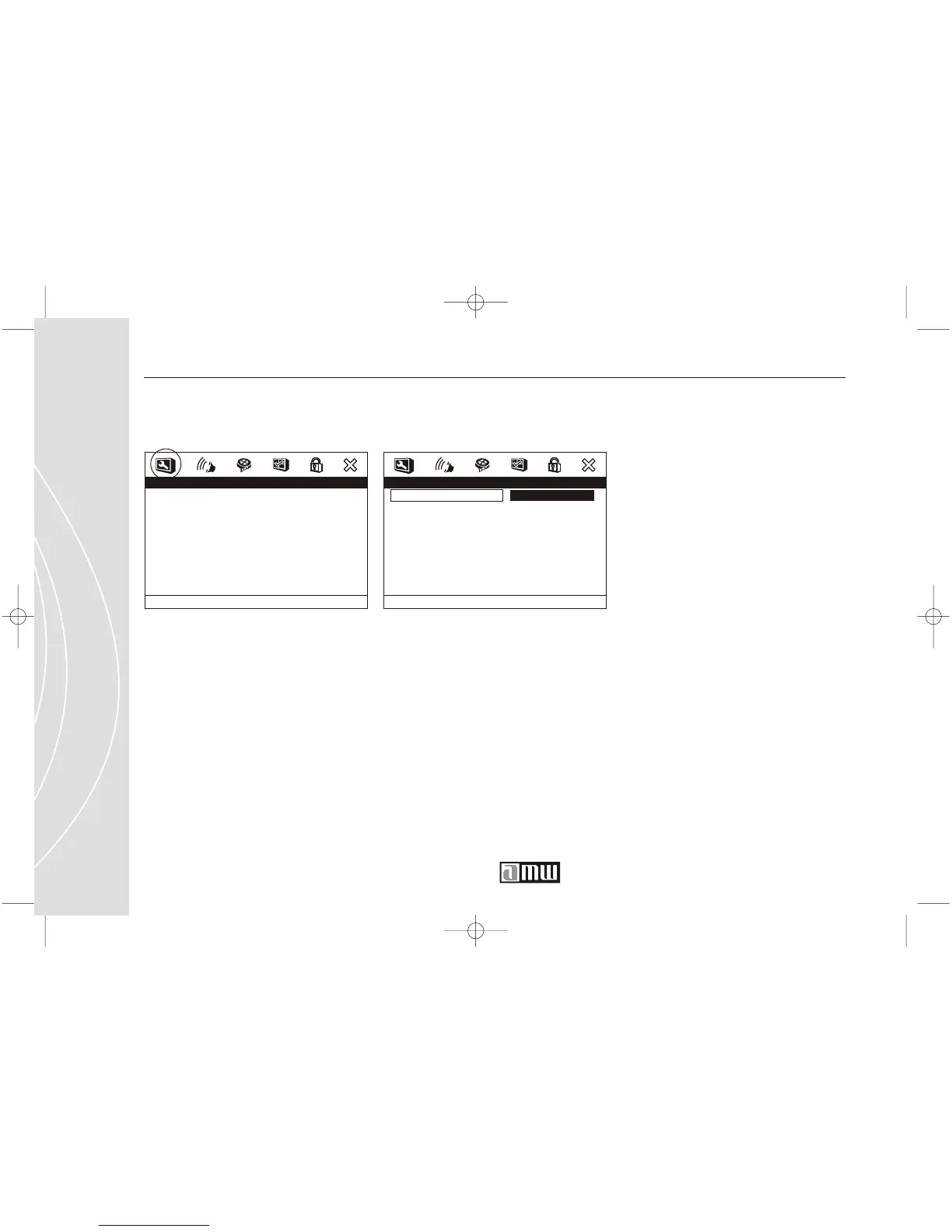
- - General Setup Page - -
TV Display
Angle Mark
OSD Lang
Captions
Screen Saver
Last Memory
PS
On
ENG
On
On
Of f
Set TV Display Mode
Customer Service 1 626 968 6860
- - General Setup Page - -
TV Display
Angle Mark
OSD Lang
Captions
Screen Saver
Last Memory
PS
On
ENG
On
On
Of f
Go To
General Setup Page
General Setup
TV DISPLAY
Determines what kind of TV is
attached to the player.
NORMAL/PS: Select this option
when you connect a normal TV
to the player. Displays the wide
picture with a portion auto-
matically cut off (the left and
right edges).
General Setup / TV Display
NORMAL/LB : Select this for a
conventional sized TV set. Black
bands appear in both upper and
down sides. (Letter-Box Style)
WIDE : Select this for a wide-
screen TV set, played in full size.
Setting the side-screen TV to
FULL mode is also necessary.
GENERAL SETUP



 To Next Page