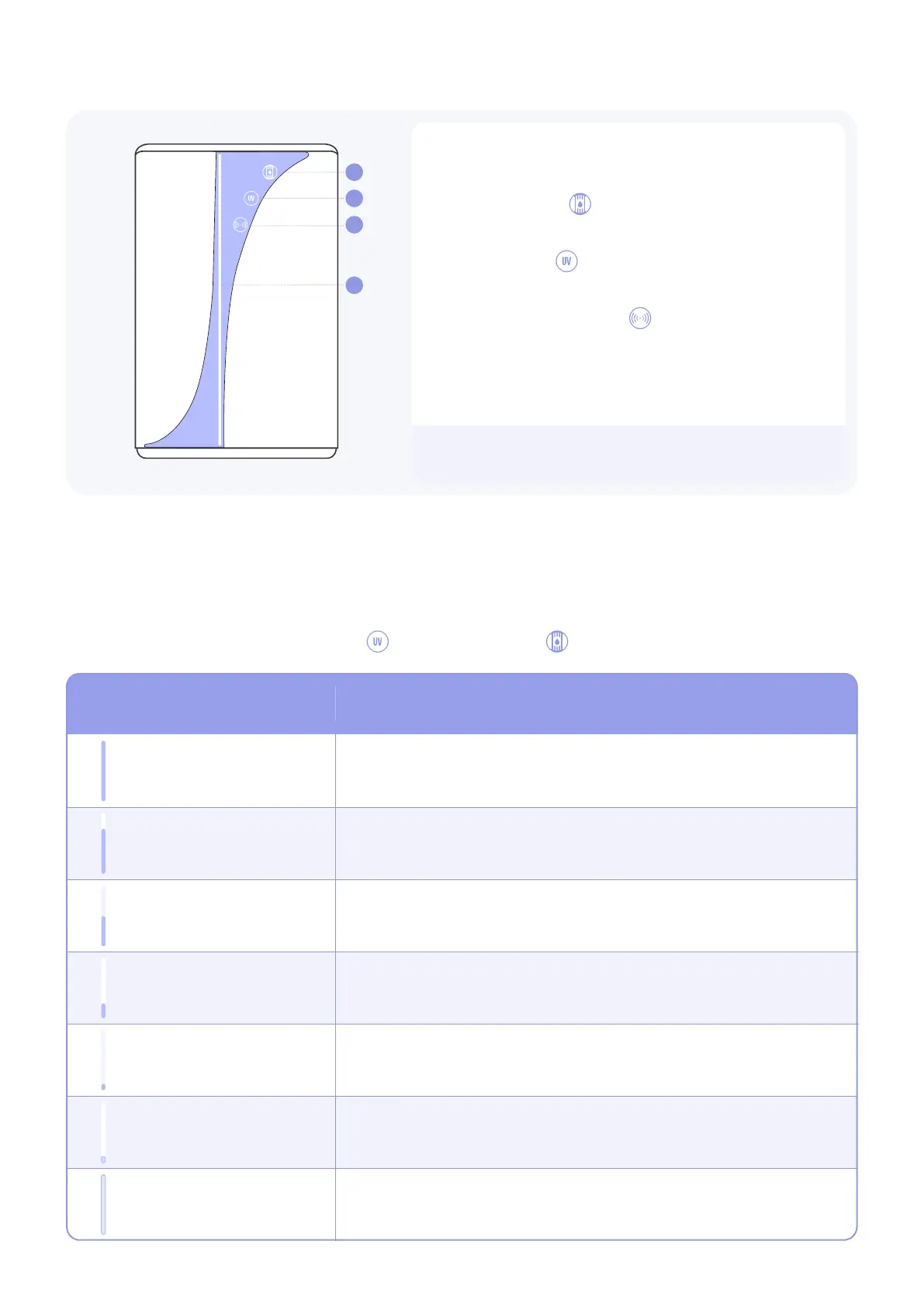
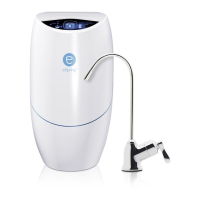
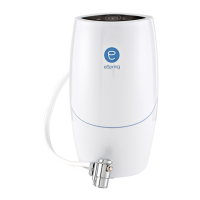
The eSpring™ Pro Water Purier has 2 display
modes: Idle Mode and Water Flow Mode.
1. The Filter icon is used to display Filter
status and as a button to show Filter life.
2. The UV icon is used to display UV status
and as a button to show UV life.
3. The Connectivity icon is used as a button
for pairing with the Healthy Home app.
4. Animates as water is owing and acts as a life
indicator. See table below.
Idle Mode
The eSpring™ Pro Water Purier is in idle mode when it is set-up and plugged in but water is not
owing. In idle mode, display lights will remain o until a button is pressed or water starts to ow.
To check the health status of the UV System or the Carbon Filter, rst press the icon area to activate
the buttons. Then press the UV button or the Filter button
UNDERSTANDING THE PURIFIER’S DISPLAY AND BUZZER
LED Light
UV System / Carbon Filter Remaining Life
76% – 100%
1% – 9%
26% – 50%
Error
Fill White to Top
Blinking Bottom White
Fill White to 50%
Blinking Solid Red Stripe
51% – 75%
Expired
10% – 25%
Fill White to 75%
Blinking Bottom Red
Fill White to 25%
8
Note: Follow instructions within the app to
connect the Neptune unit.
1
2
3
4


 To Next Page