E-11
• The battery life varies with the ambient temperature and may be
shorter at low temperatures. Generally, four new LR6 batteries will last
approximately for one year when used twice for measurement each day.
• Use the specied batteries only. The batteries provided with the device
are for testing monitor performance and may have a limited life.
• Remove the batteries if the device is not to be used for a long time.The
batteries may leak and cause a malfunction.
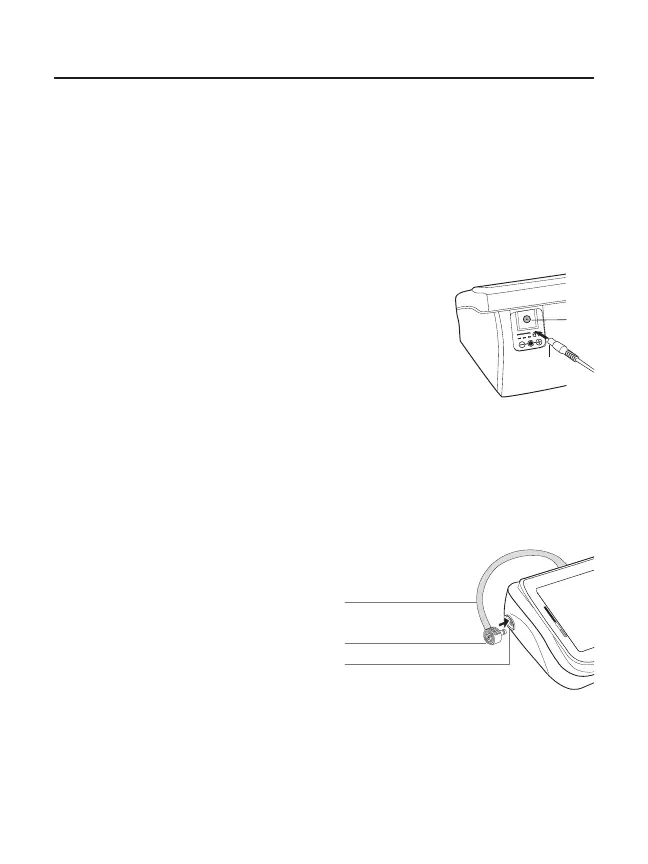
Connecting the AC adapter to the monitor
Gently insert the AC adapter plug into a 120V AC
outlet. Connect the AC adapter plug into the jack on
the back of the monitor
Disconnecting the AC adapter from the
monitor:
1. Turn the unit off by pressing the START button.
2. Disconnect the plug from the jack of the monitor quickly.
3. Gently remove the AC adapter from the outlet
Note: If monitor has batteries and an AC adapter connected, the measurements stored in memory
may be lost if AC adapter is unplugged from the wall rst. To ensure that measurements remain in
memory, make sure the unit is off and that the jack plugged into the monitor is removed quickly before
unplugging adapter from the wall.
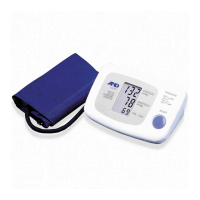
Connecting the Air Hose
Insert the air connector plug into the
air socket rmly.
Using the Monitor
Jack
AC Adapter Plug
Air Hose
Air Connector Plug
Air Socket


 To Next Page