E-12
Using the Monitor
Adjusting the Clock
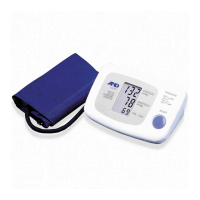
The UA-1030T blood pressure monitor has a built-in clock that gives you
the time and date and can tell you when a blood pressure reading stored in
memory was taken. We recommend that you adjust the clock prior to use.
To adjust the clock, follow these simple steps:
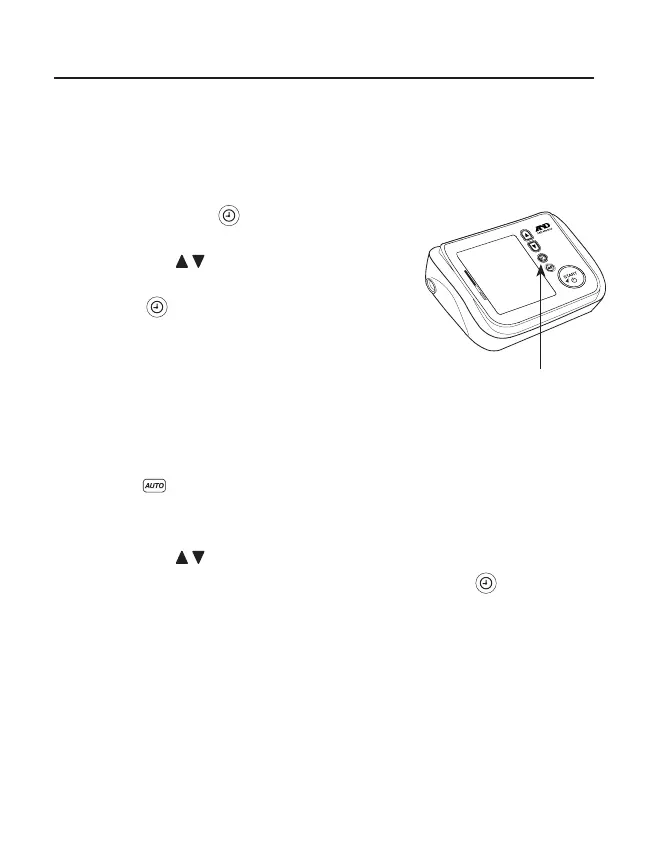
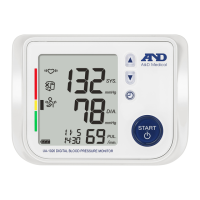
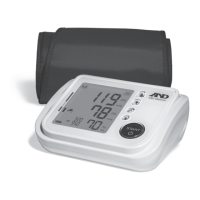
1. Press the set button located to the
right of the display.
2. Use the arrow buttons to set the year.
3. After reaching the desired year, press the
set button again.
4. Repeat the process for the month, day
and hour.
5. The next setting will be for pressure.
Adjusting the Pressure
1. After setting the year, month, day and hour, the next mode is the
pressure setting.
2. Default is , which stands for automatic.
3. For even more rapid readings, you can adjust the default to about
30 mmHg or more above your expected systolic pressure.
4. Use the arrow buttons to set the pressure.
5. After reaching the desired pressure, press the set button again.
6. The next setting will be for TriCheck™ Mode.
Set Button


 To Next Page