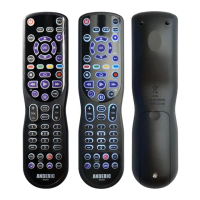
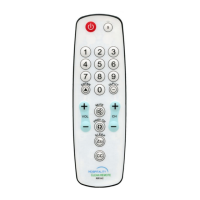
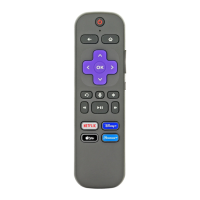
adheres under the battery cover for a secure and flush appearance.
Pre-programmed Codes
This remote is pre-programmed by default to LG and VIZIO TVs under TV mode and DirecTv
under STB Mode (Set-Top-Box). If the TV or STB is not one of the brands above, you must
program the remote using the directions below:
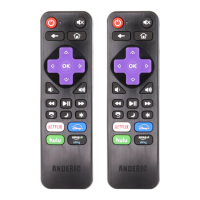
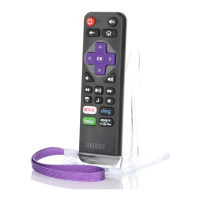
NOTE: If [S] key is not present on your remote, note that it is the unmarked button to
the right of the [POWER] key.
Programming the remote: Direct Code Input Method
1. Turn on the device you want to control, and find the corresponding brand code from attached code
list.
2. Press and release the device mode key you would like to program ([TV] or [STB]).
3. Press and hold [S] and [ENTER] keys simultaneously for about three seconds until indicator light
lights and remains on, release both keys.
4. Input the four digits code. If remote successfully saved code, indicator light will go out. If error,
indicator light will blink slowly three times and go out, repeat steps 1-4.
a. Check if most keys of remote control can control the device, if not, please restart step 1-4
using a different code.
b. After trying all codes for your brand without success, please try “Programming the remote
- Code Search” method below.
Note: During the programming mode, pressing any button other than number buttons or not pressing any
button for 10 seconds will cause remote to exit programming mode.
Programming the remote: Code Search Method
Note: use this method if your brand is not listed in the codes attached, or if all the codes you tried does
not work. This method scans through each code in the database.
Manual search
1. Turn on the device you want to control.
2. Press and release the device mode key you would like to program ([TV] or [STB]).



 To Next Page