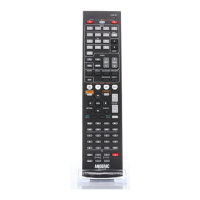
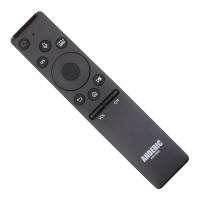
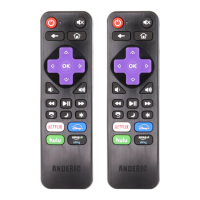
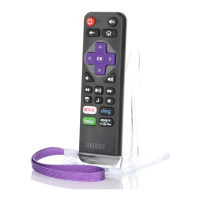
been reset to factory default status and converted to a 1-Device remote.
Advanced Option: Shift remote to 2-Device; TV/STB remote.
Note: This feature allows remote to switch from a 1-Device remote to a 2-Device; TV and STB enabled
remote. Both modes will be activated. Remote will be reset to factory defaults for 2-Device.
1. Press and hold [S] and [ENTER] keys simultaneously for about three seconds until indicator light
lights and remains on, release both keys.
2. Input code [9] [7] [6] [2]. Indicator light will blink 3 times, indicating that the remote has successfully
been reset to factory default status and converted to a 2-Device remote.
LEGAL: Anderic® is a registered trademark of Dan’s Electronics Etc., Inc. All rights reserved. This
document is copyrighted.



 To Next Page