EN 30 2011/04
OptiBean
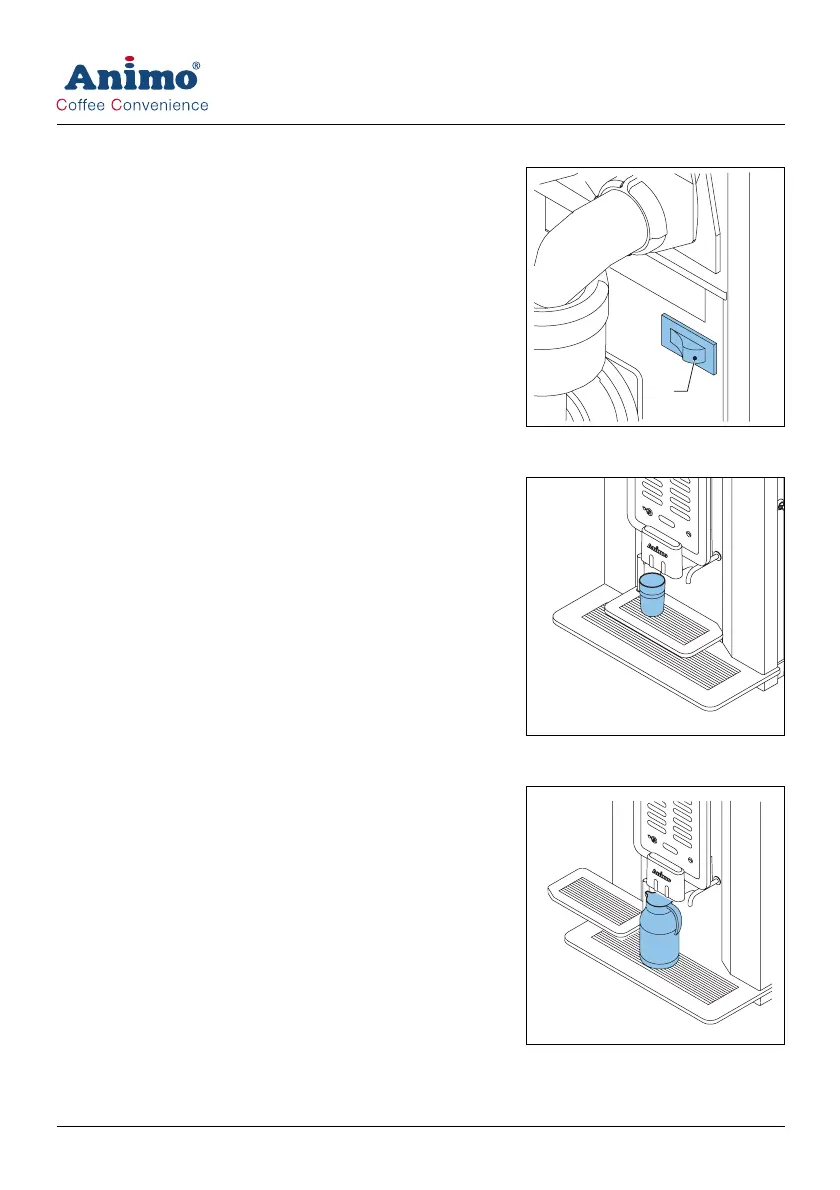
5.4 Switching on and off
1 Open the machine door.
2 Press the on/off switch (A) to switch the machine on or off.
5.5 Start dispensing cups
1 Place a cup on the tray.
2 Press a recipe or press the hot water button. The dispensing
LED starts to flash.
3 If required, press the strength button to set the strength of
the coffee, mi k and chocolate.
4 If required set the quality for the milk.
5 Press the start dispensing button.
5.6 Start dispensing jugs
1 Place the key into the jug lock.
2 Turn the key to activate the jug mode.
3 Turn away the tray.
4 Place a jug on the drip tray.
5 Press a recipe or press the hot water button
6 If required press the strength button to set the amount of
cups for 1 jug.
7 Press the start dispensing button.
5.7 Stop dispensing cups or jugs
1 Press the stop button.
A













 To Next Page