2011/04 7 EN
OptiBean
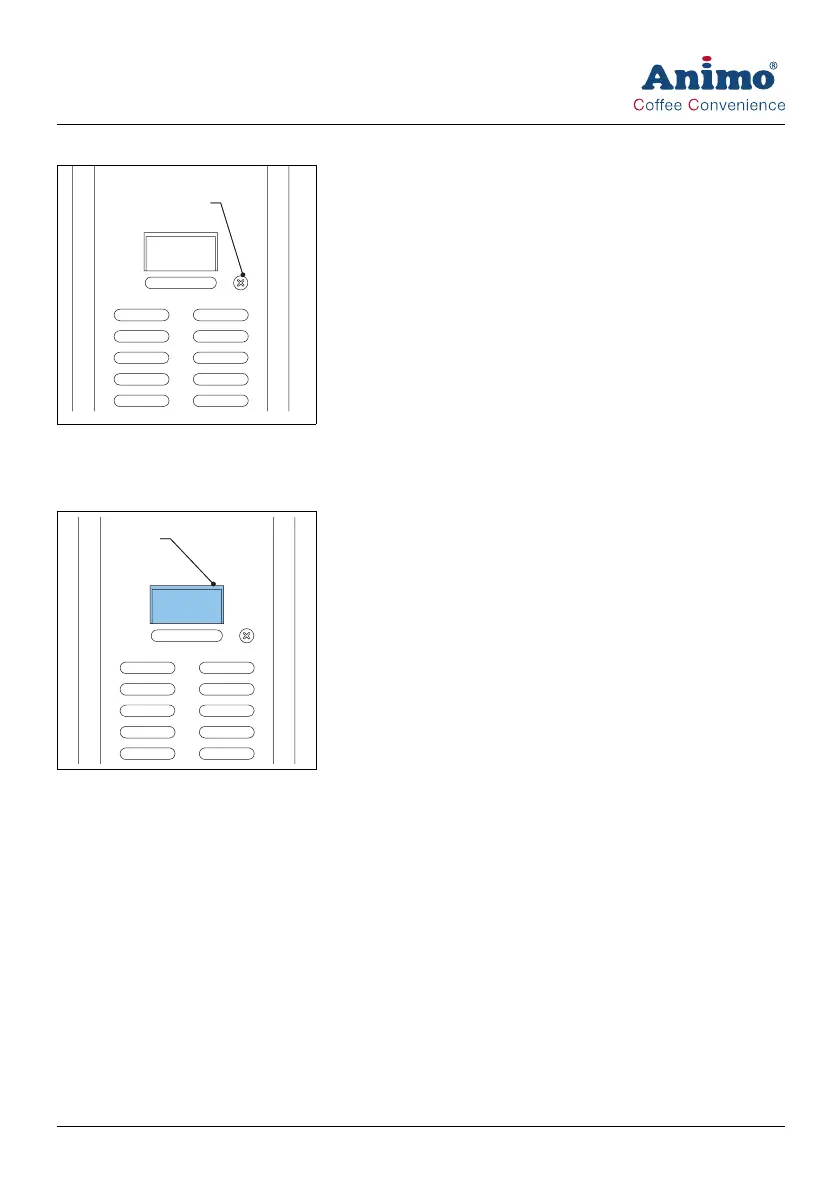
2.5.4 Cancel button
The cancel button (A) cancels the selected recipe.
2.5.5 Display
The display shows technical malfunction with error codes. The display also provides additional user
information or warnings.
2.6 Safety precautions
2.6.1 General safety precautions
• Make sure that the environment around the machine is dry, clean and lit sufficiently well;
• Keep away from moving parts;
• Use Animo replacement parts only.
• Use Animo recommended products only.
2.6.2 During installation
• Place the machine at work top height on a firm and flat surface.
• Plug the machine into a safety-grounded power outlet.
• Make sure the machine does not leak.
• Do not place the machine in an area with temperatures below 0 °C.
A
A













 To Next Page