EN 32 2011/04
OptiBean
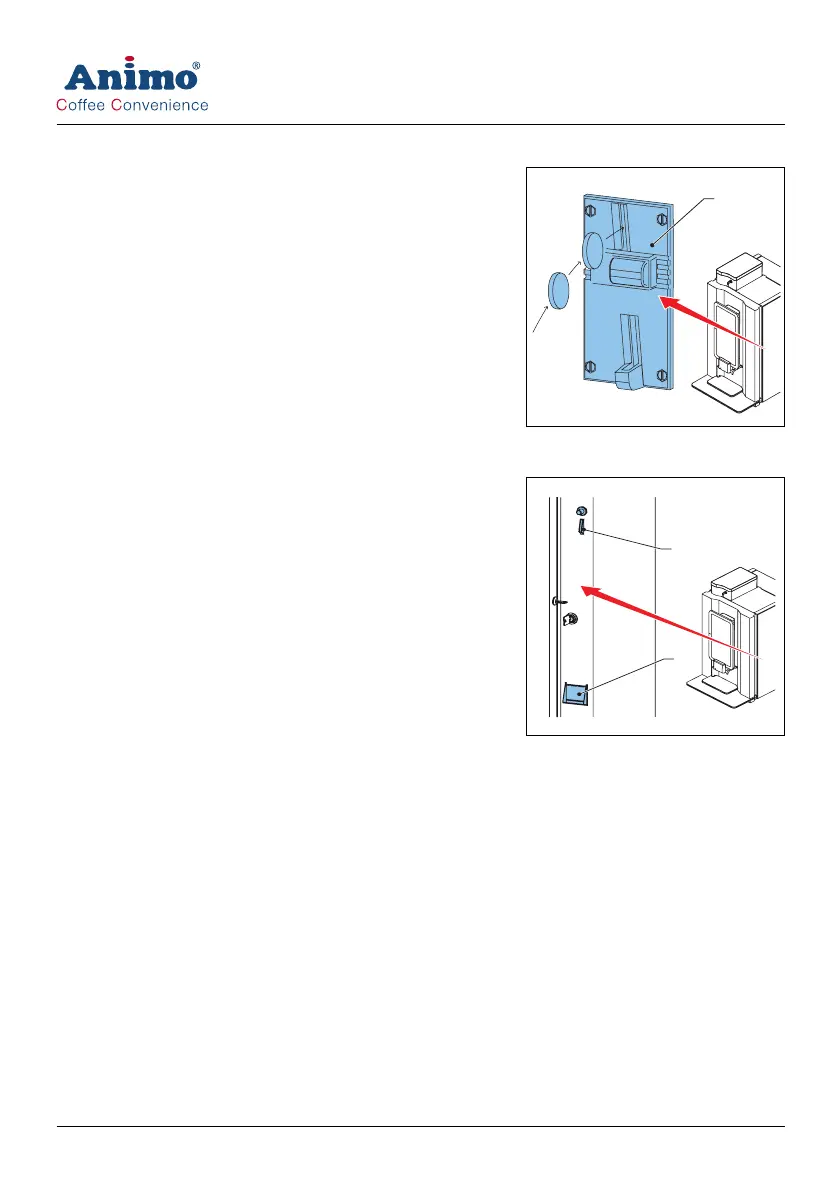
5.10 Using the coin mechanism (optional)
1 Place a cup on the tray.
2 Press a recipe or press the hot water button.
3 Insert the correct amount of money. The dispensing LED
starts to flash if sufficient money is inserted.
4 Press the strength button to set the strength.
5 Press the start dispensing button.
5.11 Using the coin changer (optional)
1 Place a cup on the tray.
2 Press a recipe or press the hot water button.
3 Insert the correct amount of money (A). The dispensing LED
starts to flash if sufficient money is inserted.
4 Press the strength button to set the strength.
5 Press the start dispensing button.
6 If required remove the change from the machine (B).
A
A
B













 To Next Page