2011/04 41 EN
OptiBean
7 Troubleshooting
7.1 Error messages
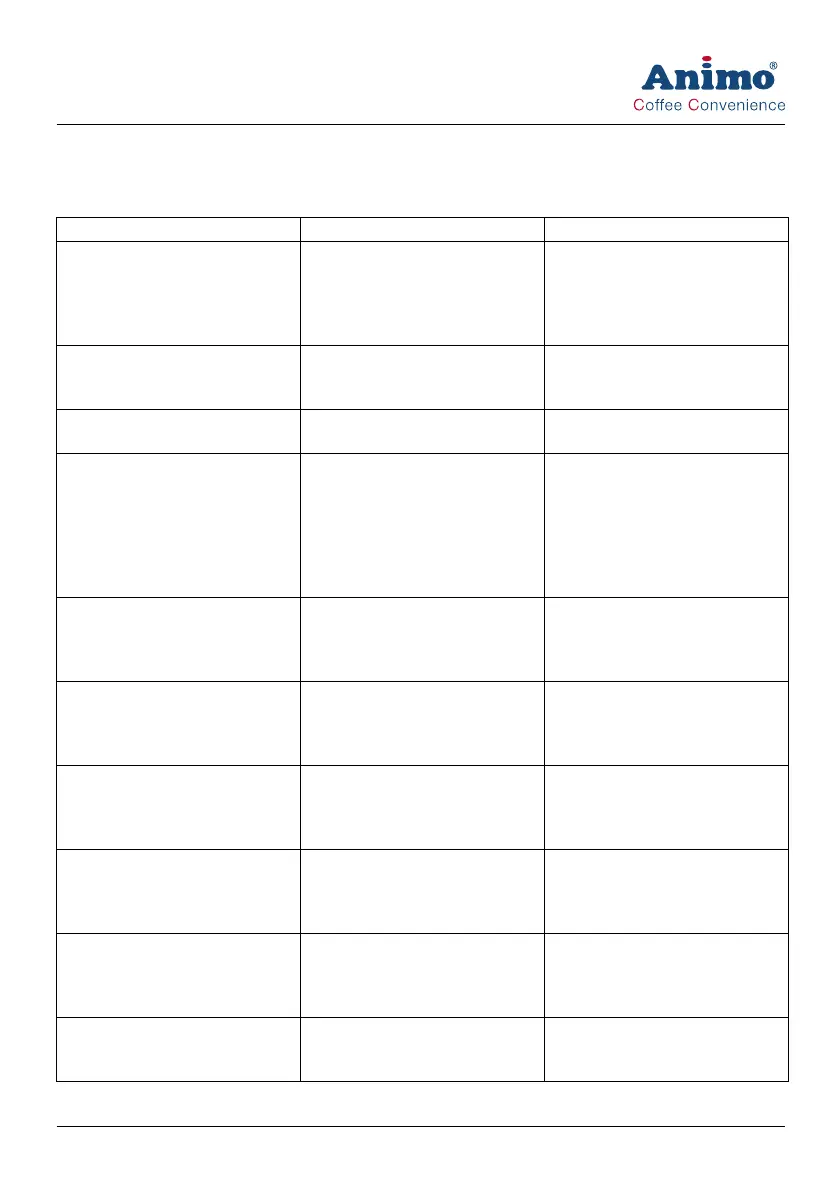
Problem Possible cause Correction
E3 Fill error Boiler is filling up too slowly. Check the water pressure. Turn
the water supply tap completely
open. Check the connection tube
for any kinks. Switch the machine
off and on again.
E5 Brewer error Brewer error during start-up. Switch the machine off and on.
Contact the dealer of service
engineer.
E6 Temperature error Temperature sensor problem. Contact the dealer of service
engineer.
E7 Brewer motor error Brewer motor overload/stuck.
Brewer motor outlet overload.
The control switched off the out-
let.
Remove the brewer from the
machine, clean and install the
brewer correctly. Switch the
machine off and on again. Use
the brush to clean the brewer.
Contact the dealer of service
engineer.
E8 Mixer 2 error Mixer 2 overload/stuck.
Mixer motor outlet overload.
The control switched off the out-
let.
Remove the mixer from the
machine, clean and install the
mixer correctly. Switch the
machine off and on again.
E10 Valve error Valve overload/stuck.
Valve outlet overload.
The control switched off the out-
let.
Contact the dealer or service
engineer.
E11 Ingredient motor error Ingredient motor overload/stuck.
Ingredient motor outlet overload.
The control switched off the out-
let.
Clean the canisters. Switch the
machine off and on again.
E13 Mixer group error Brewer and mixer group over-
load.
The control switched off the out-
lets.
Clean the mixer rotor. Switch the
machine off and on again.
E14 Output error Outlet group of the ingredient
motor oerload.
The control switched off the out-
lets.
Clean the canisters. Switch the
machine off and on again.
Valve outlet group overload.
The control switched off the out-
lets.
Contact the dealer or service
engineer.













 To Next Page