EN 69 2015/02 Rev. 1.0
OptiFresh Bean
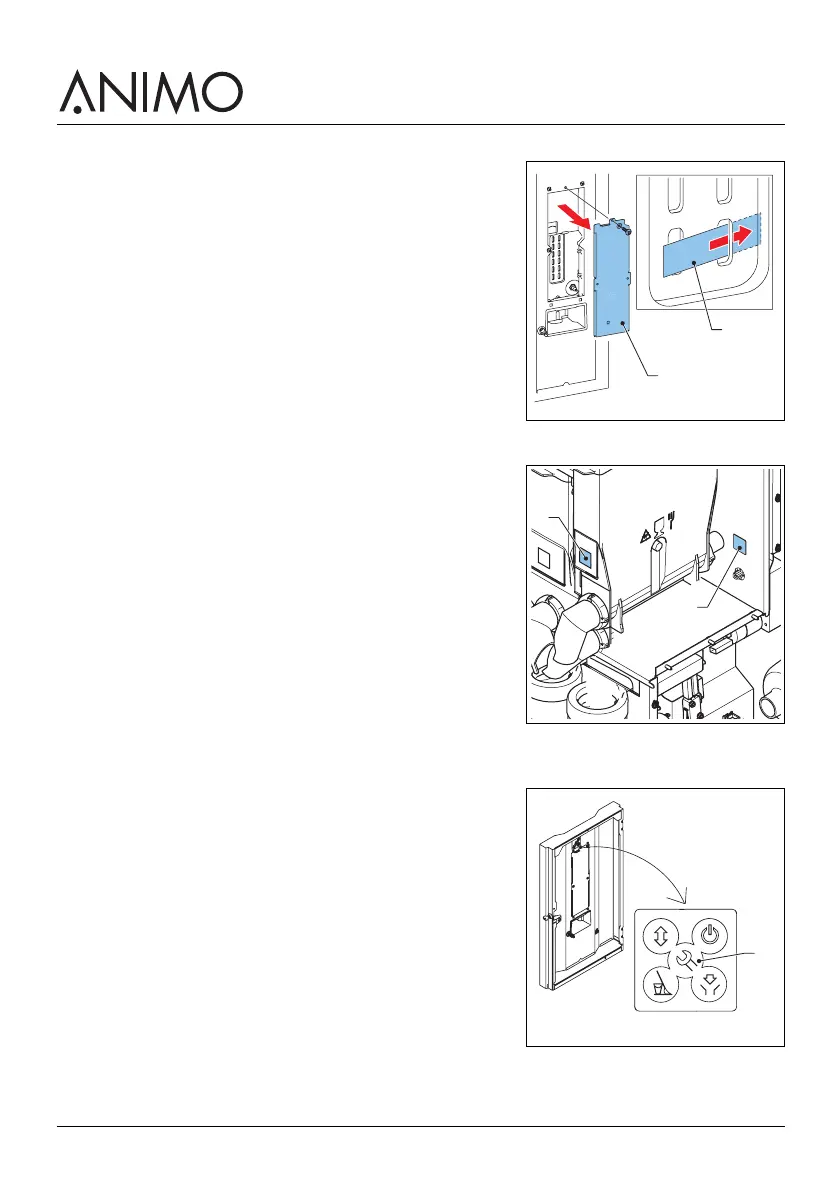
3.2.6 Applying the recipe strips
1 Open the machine door.
2 Remove the screws and remove the cover (A).
3 Insert the recipe strip (B).
3.2.7 Applying the ingredient stickers
1 Open the machine door.
2 Place the stickers as shown (A & B).
3.2.8 Setting the software for first use
1 Open the machine door.
2 Press the configuration menu button (A).
B
A
B
A
A













 To Next Page