2015/02 Rev. 1.0 70 EN
OptiFresh Bean
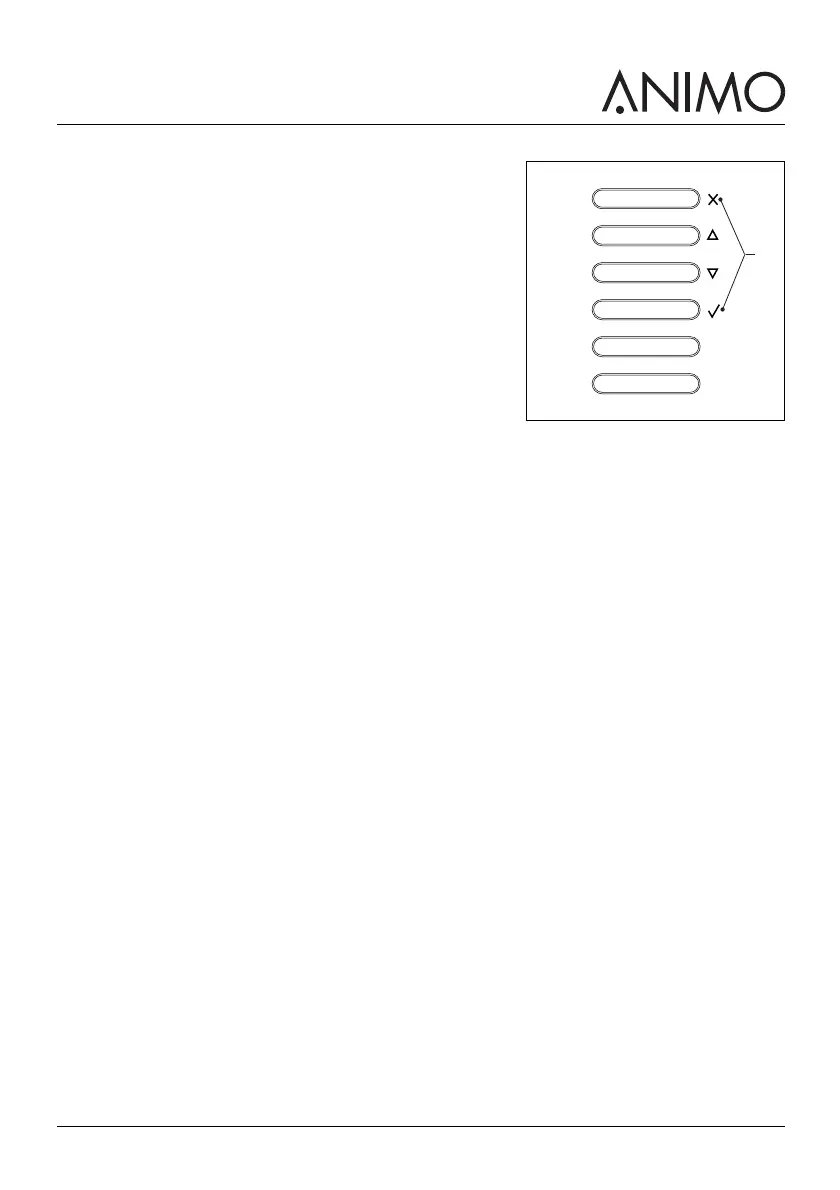
3 Use the recipe buttons (B) to navigate through the menu.
4 Select clock to set the time and date.
5 Select switching time / energy save mode to set the mode.
6 Select OptiLight to set the colour setting.
3.2.9 Using the machine for the first time
1 Plug the machine into an earthed socket.
2 Switch on the machine and follow the instructions on the display.
3 Place a bowl (min. 1.5 l) under the outlet.
4 Select a recipe and press the start dispensing button.
5 Check whether the taste and quantity is as desired.
6 Repeat the previous steps for every recipe to ensure all recipes are as desired.
7 If the taste or quantity is not as desired, inform your dealer.
B













 To Next Page