7-7 Signal Generator Replacement Chapter 7 — Assembly Replacement
7-10 PN: 10580-00324 Rev. N S412E MM
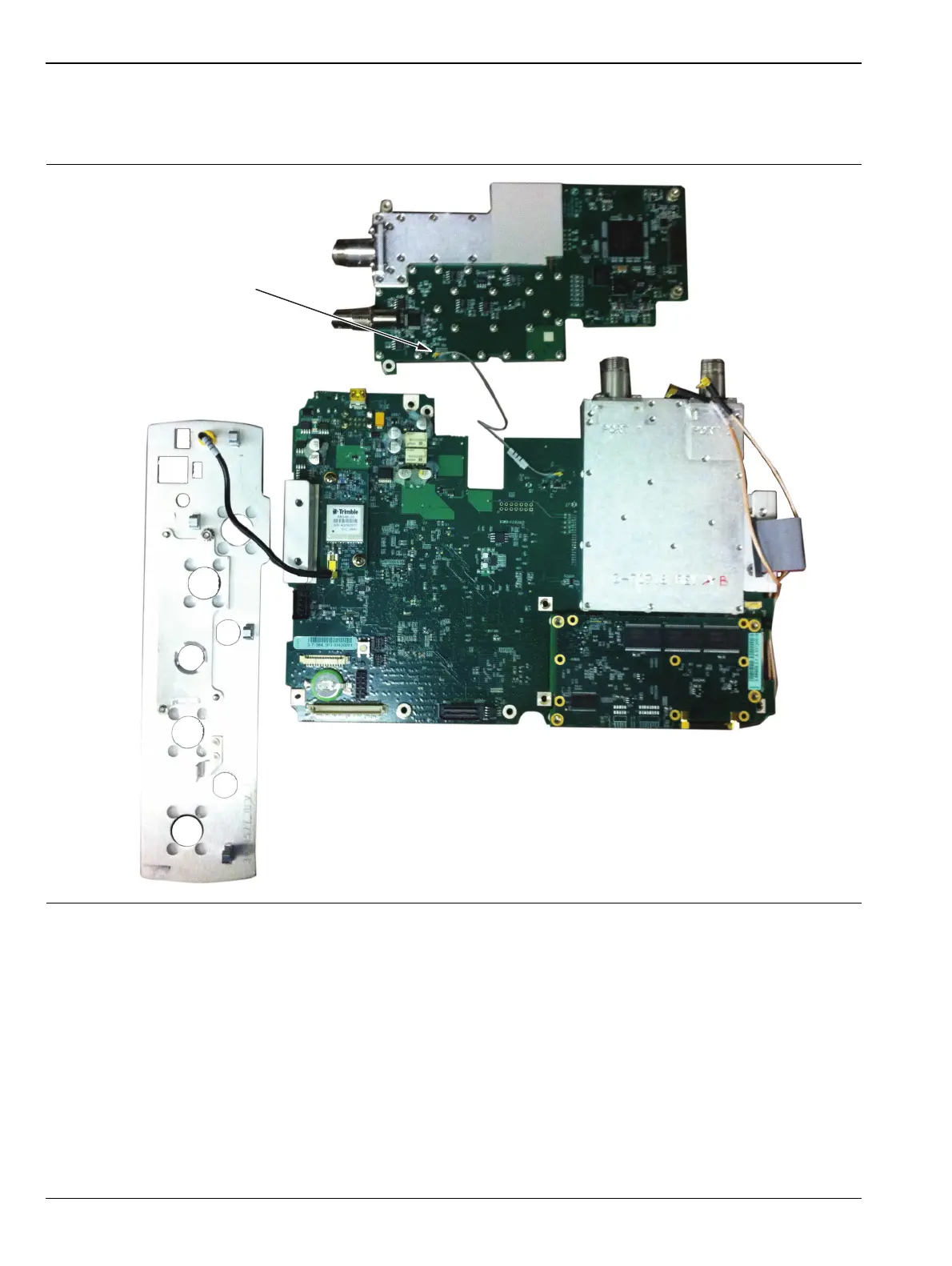
8. Remove the cable shown in Figure 7-11 using the cable removal tool, part number 783-1399. When
inserting the cable onto the new Signal Generator make sure the cable connector is parallel to the PCB
so the connector is plugged on correctly. The cable should not be removed or inserted at an angle.
9. Reverse the above steps to install the Signal Generator PCB.
Figure 7-11. Remove Cable Using Cable Removal Tool
Remove cable using
cable removal tool,
p/n 783-1399



 To Next Page