13
PRE-PURGE
Once you enable this function, you can set up the Pre-purge humidity (1~5), higher the
environment temperature, higher the humidity value.
REPEAT PRINT
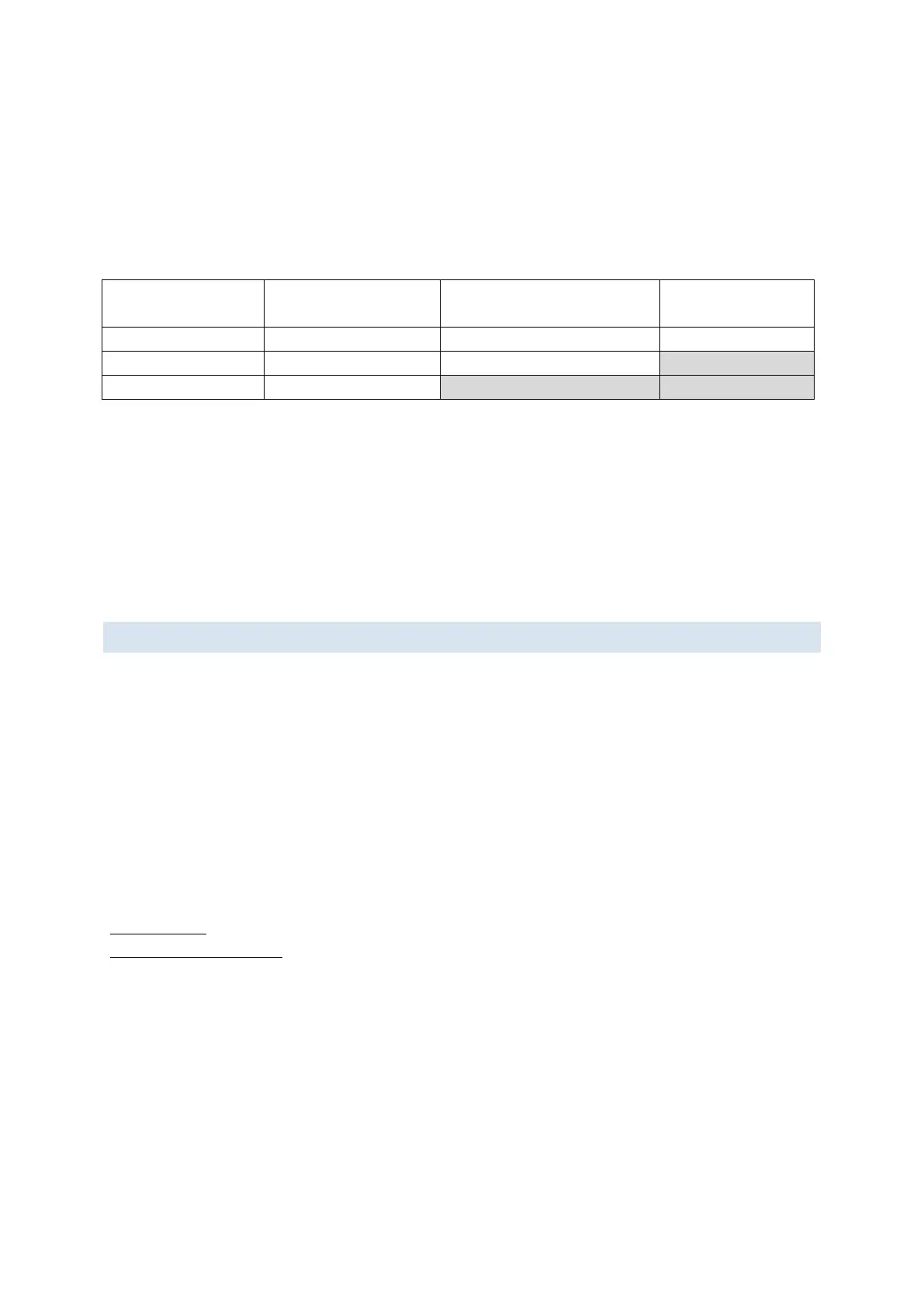
Following table describes how to setup initial delay and gap value for repeat print.
Repeat several
times after triggered
Repeat print continuously
after triggered
Repeat print
continuously
TIME REFRESH
[Setting]→[Print head]→[Duration], range is 1~9 minutes.
If you have more precise requirements for printing contents of object in seconds, please set
this value to 1.
CLEAN NOZZLE
Use function [clean nozzle] to clean print head when nozzle clogging or blocking.
PHOTOCELL DEVICES
PHOTOCELL SOURCE
Set up the photocell source, internal or external.
TRIGGER MODE
According photocell specification, set proper trigger mode.
ENCODER AND CONVEYOR SPEED
The printing speed of printer should be the same with movement speed of target. Otherwise,
the output message will be stretched or shortened.
Solution:
Use encoder: [System]→[Encoder: On]→[DPI Setting]
Input Conveyor speed: [System]→[Encoder: Off]→[Conveyor Speed]
Notes: When the [Encoder] is “on”, the [Conveyor Speed] will be unavailable.
BOX WIDTH
Set up the box widh(mm).



 To Next Page