25
USB SYNC
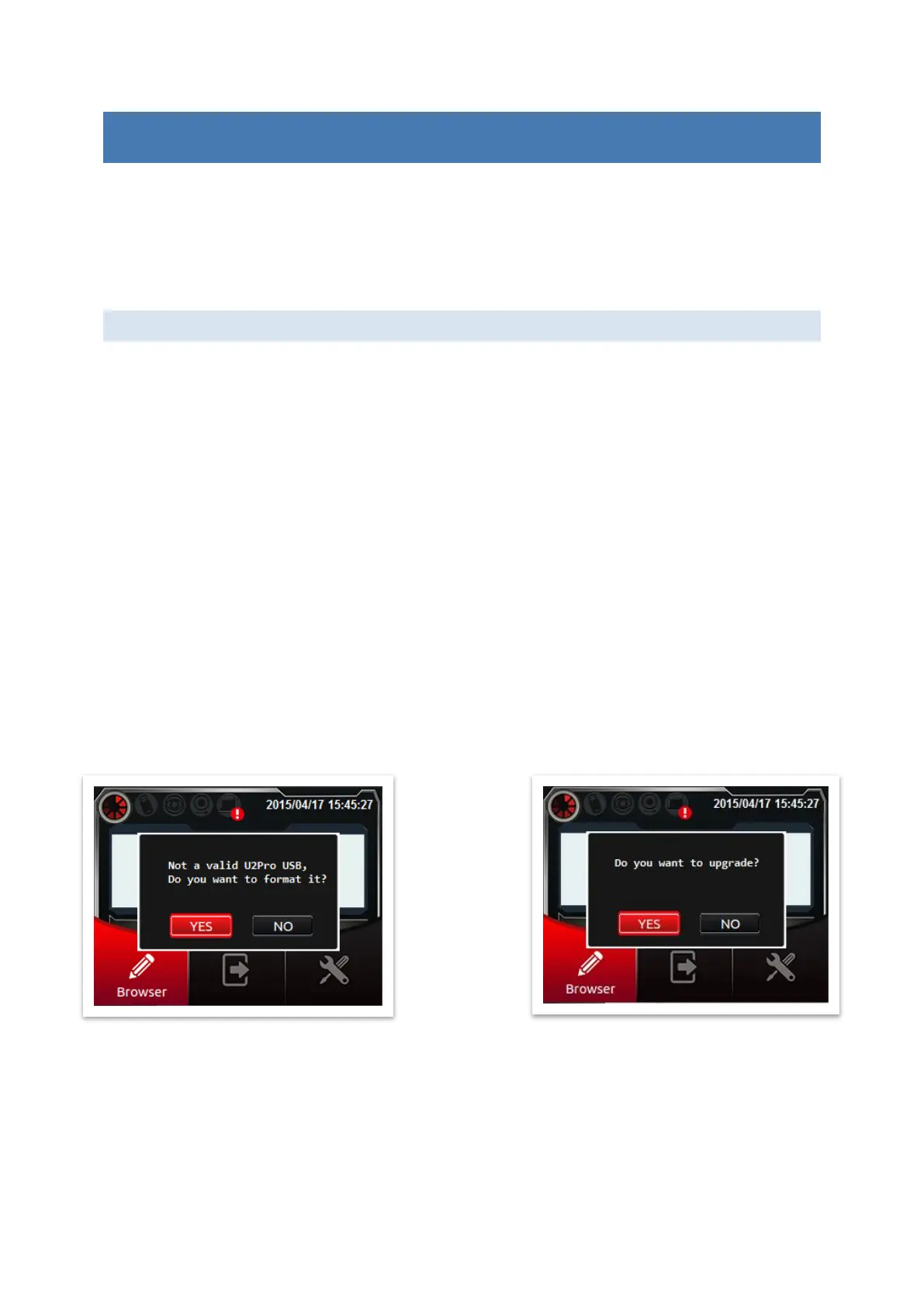
Printer must display on first Page. Please insert USB flash drive (or USB disk) to printer in
advance if it is never used. System will query [Do you want to format* USB?], Press [Yes]
to format USB.
Note: * this format operation is to save the machine specific information on the USB disk,
it doesn’t mean REALLY format (empty) USB disk.
ABOUT MESSAGE PRO
Message Pro is a proprietary software with U2D/S, which provides a complete and powerful
editing functions to exchange messages with the printer.
Besides, it also can upgrade printer firmware with new features.
EDIT MESSAGE
1. Insert the formatted USB flash to PC.
2. Edit the message in USB by Message PRO.
3. After editing finished, insert USB back to printer.
4. Printer will query [Do you want to sync messages?], press [Yes] to copy all messages
into printer.
Notes:
1. After synchronizing, all font and logo files will also copied.
2. After synchronizing, all messages in printer will be overwritten.
3. After synchronizing, some configuration setting in printer will also be overwritten,
which includes time format, shift table, string table, customer year, pre-zero
(time/date/counter).
SOFTWARE UPGRADE
Message PRO will install latest version of firmware in the USB.
If your printer query [Do you want to upgrade?], please press [Yes] to upgrade your system.
Finally, system will reboot automatically.



 To Next Page