21
PREVIEW LIST (SELECT MESSAGE)
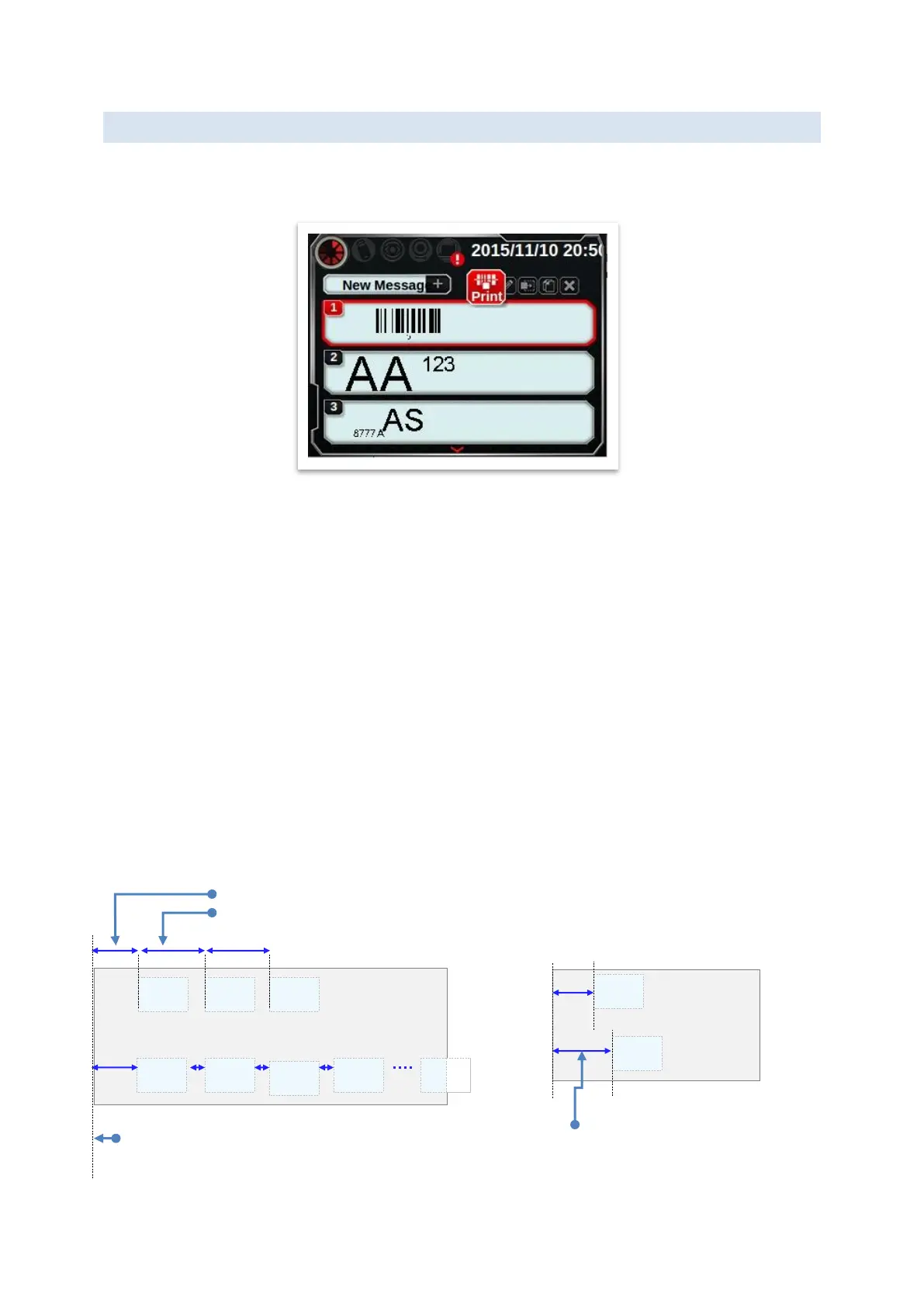
In this page, there are 5 function buttons for message, which are print, edit, delay, copy and
delete.
PRINT
Start printing process, the printer will print once gets the trigger signal.
EDIT MESSAGE OBJECT
(Next section for more detail)
DELAY
There are 3 types delay in the system, which includes repeat print delay, global delay and
message delay. These delay setting works mutual exclusively. If a conflict occurred, priority
order is [Repeat delay] > [Global delay] > [Message delay].
Delay of Repeat Print
[Setting]→[Print Head]→[Repeat Print]
Repeat Mode: Infinite/Finite.
Global delay
[Setting]→[System]→[Print delay]
This value applies all messages.
Message delay (default)
[Shortcut]→[Message delay]
This value only applies to this message.



 To Next Page