16
EDITOR
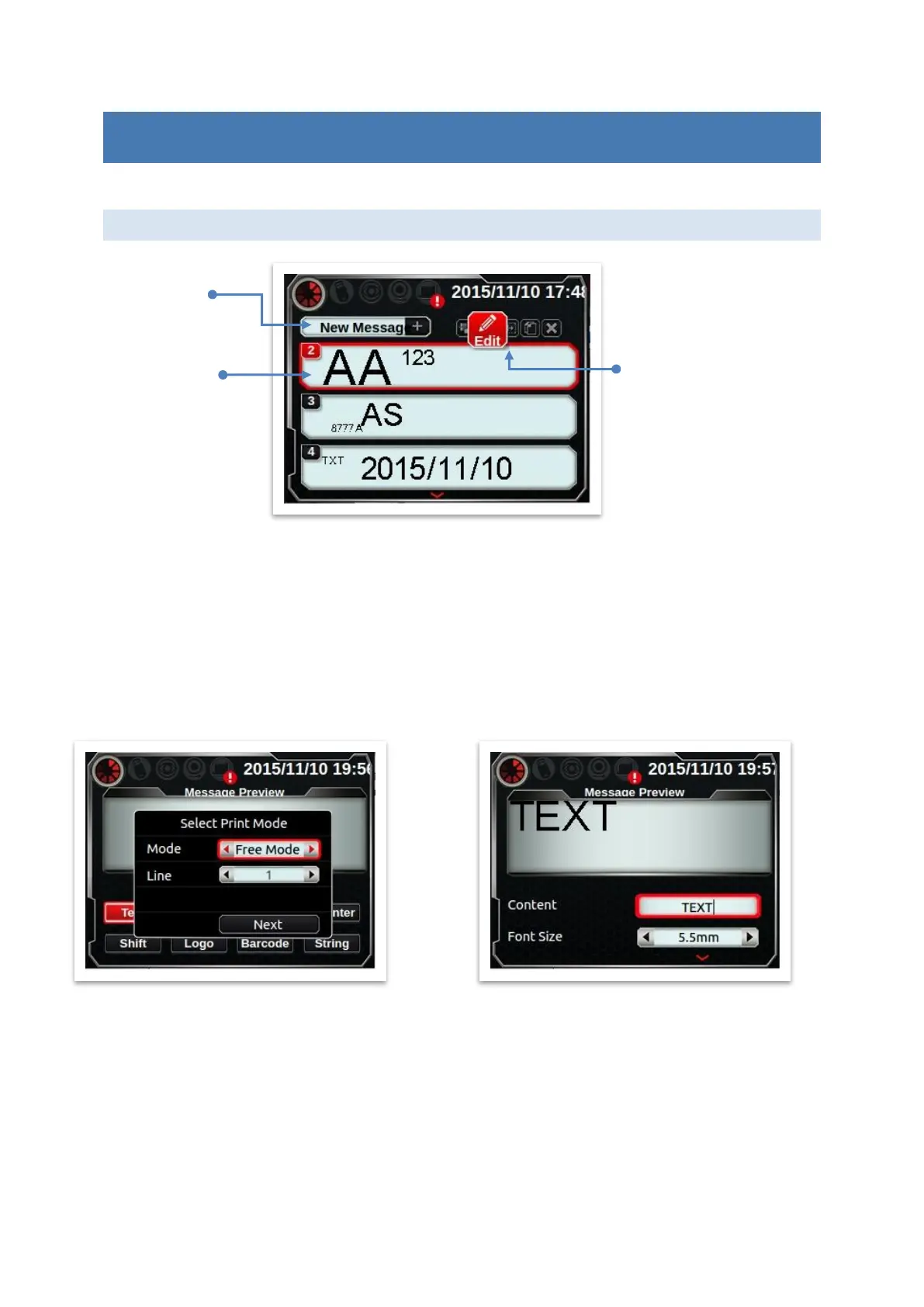
This page includes 2 functions: [Create new message] and [Message list].
CREATE NEW MESSAGE (ADD OBJECT)
Press [New Message], you will get into [Add Object] page as below. Type of objects could be
text, time, expire, counter, shift, logo and string. Other properties include context, font size
and angle.
TEXT
Any new message must input mode first: free or row mode. Font type of text could be arial
or gothic, parameter setting includes: font size (2.7mm, 3.6mm, 5.5mm, 8.0mm, 10.0mm,
12.7mm) and angle (0,180).
Print
[Edit]
Delay
Copy
Delete
New
Message
Select
Message



 To Next Page