15
EDITOR SETTINGS
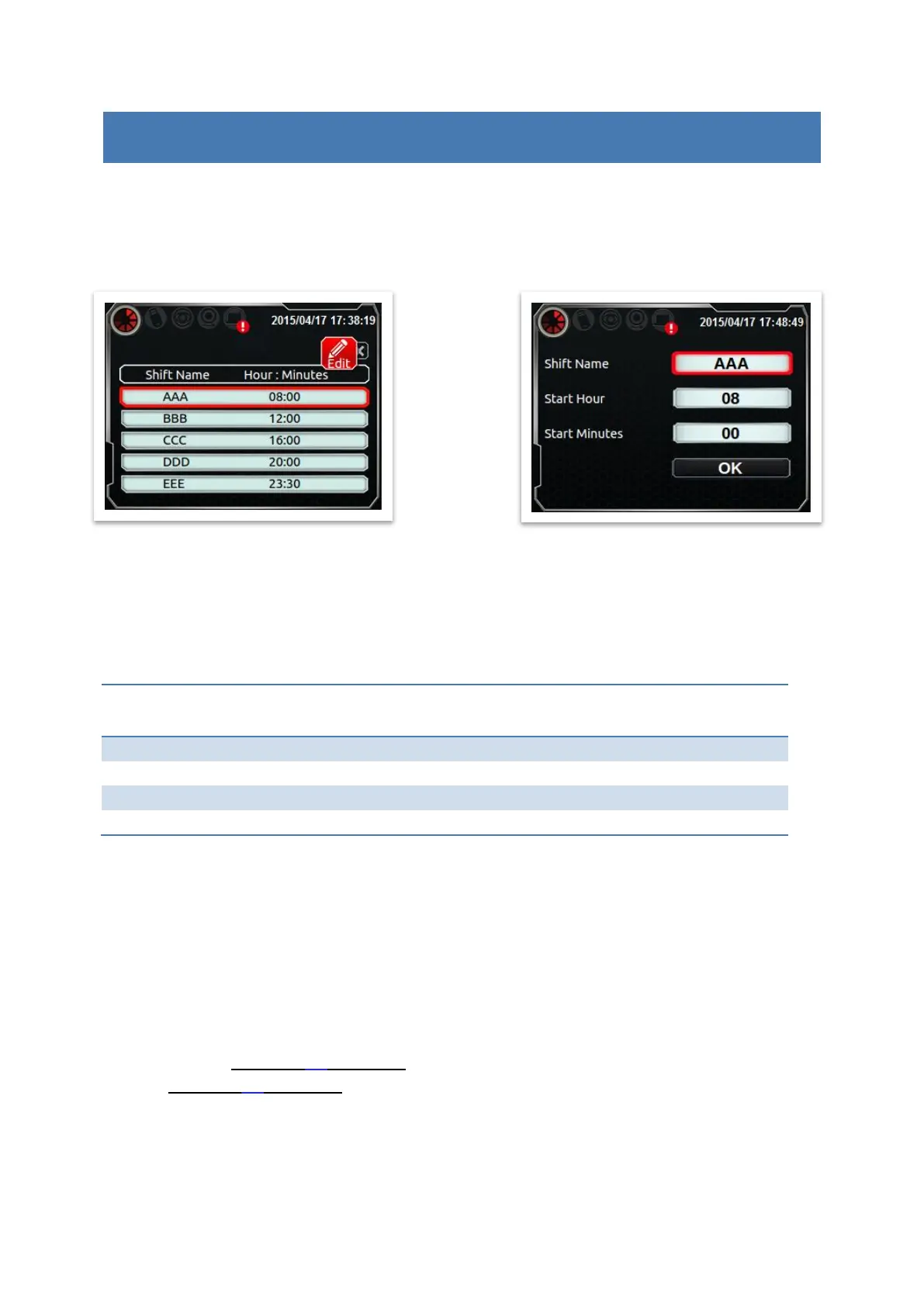
SHIFT
Shift table divides a day into 5 periods, each represent a working shift. Shift object will use
current time to match proper shift name and then print it out.
Ex: Now is 09:14, so the shift name is ‘AAA’.
STRING
Setup the string number (1~5) of string object.
String table: Edit content for each string number.
PRE-ZERO (TIME, DATE, COUNTER)
CUSTOMER YEAR
Set customer year.
Ex: Assume this value is 103. The content of year will be replaced by 0103.
ROLLOVER HOUR
Set a time point for date change. This value will not affect the system clock, just has the
effect on the date which we print out.
Assume now is 2014/10/08 23:52:00, and rollover hour is set to 23:50, then actual print
time is 2014/10/09 23:52:00. (10 minutes in advance to change day).
Counter (digit:6,value:8)



 To Next Page