7
HOME PAGE
In home page, select [Browser] by [◄][ ►] as below, then press [Enter].
PRINTING GUIDE
Printer: Fixed on the bracket or placed on the platform properly.
Photocell: For first use, please set the source (internal or external) and signal edge.
Nozzle: Adjust the nozzle direction and global delay.
Encoder/Conveyor: Set up encoder (300DPI or 400DPI) or conveyor speed.
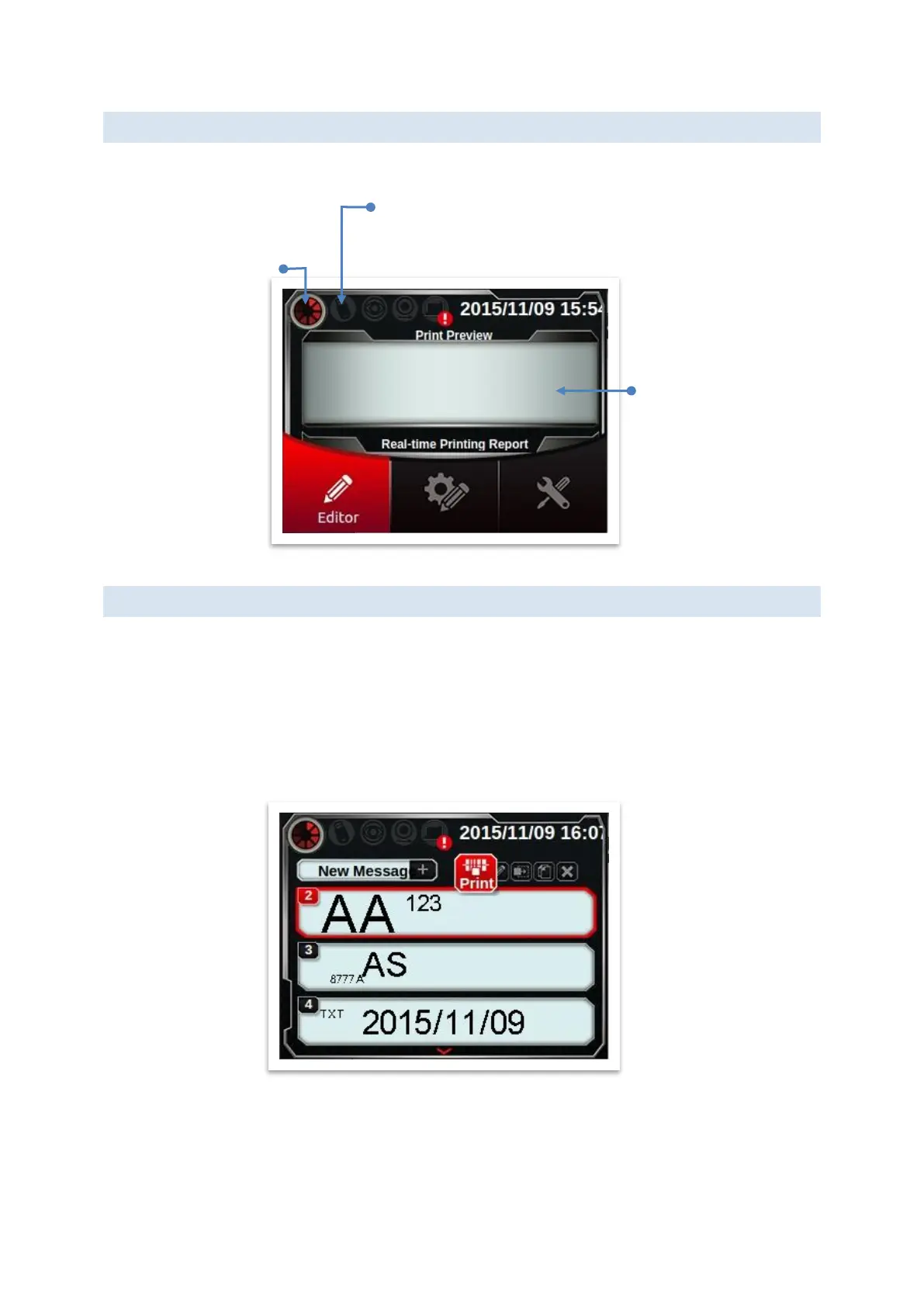
Operation: As shown above, select [Editor] to get into preview page, select the message
you want to print by key [▲][▼]. Finally, press [print].
Please place the printing target (paper) on the sliding table (or conveyor).
Once the photocell triggered, you will see the message printed on target.
USB slot indicator (Support: flash/keyboard)
Indicates external encoder: not enable.
Indicates external photocell: not enable.
Ink cartridge: not exist
Message Preview
Browse message
Shortcut function
Configuration settings
Red roulette rotates
while printing.



 To Next Page