EN
99
EXAMPLE OF TIMER SETTING
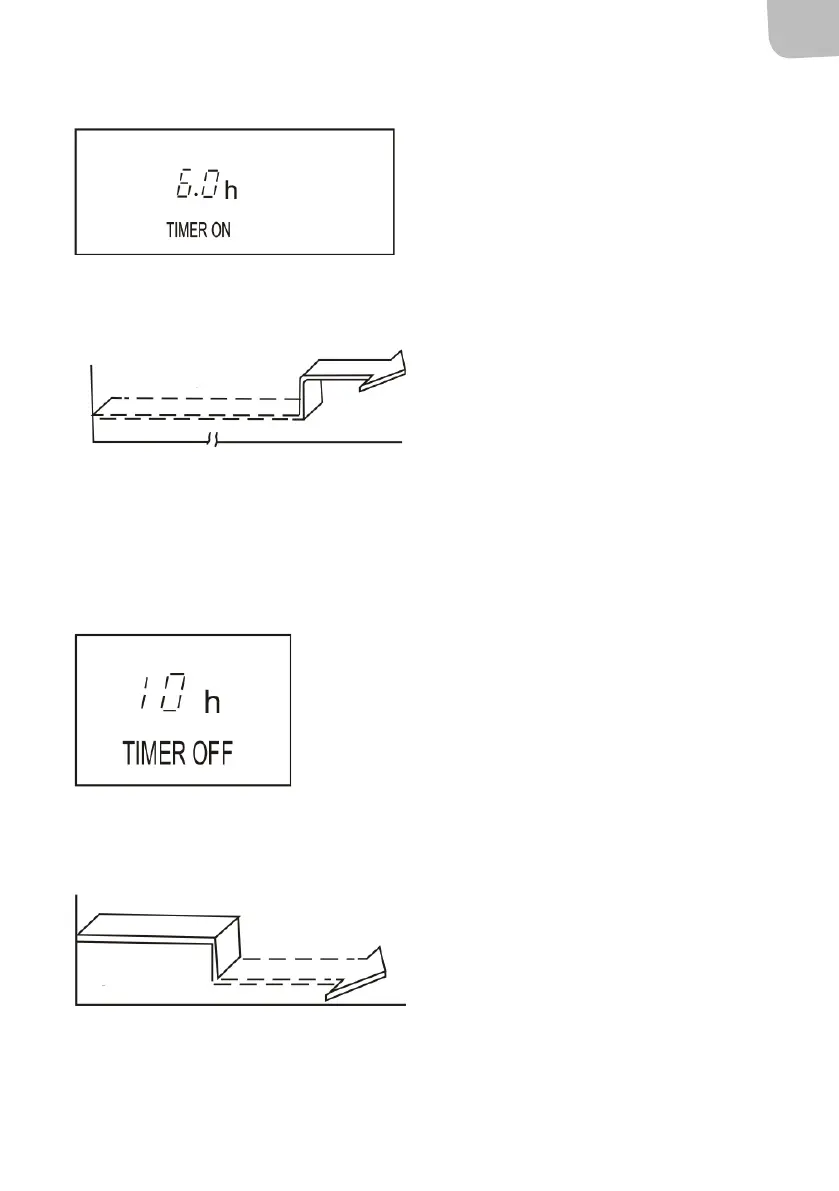
TIMER ON (automatic start)
The TIMER ON function is useful, for example, to
start the appliance automatically before you get
home.
Example
Follow the instructions below to set automatic start
in 6 hours.
1. Press TIMER ON. The display on the remote
control shows the last set start delay and
the status in h.
2. Press the TIMER ON button repeatedly
until 6.0h is shown on the display on the
remote control.
3. Wait about 3 seconds until the
temperature display is reset. The function
is now enabled.
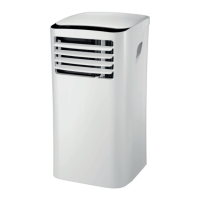
Stop
Start
Setting 6 hours later
TIMER OFF (automatic stop)
The TIMER OFF function is useful, for example, to
switch o the appliance automatically after you
have gone to bed.
Example
Follow the instructions below to set automatic stop
in 10 hours.
1. Press TIMER OFF. The display on the
remote control shows the last set stop
delay and the status in h.
2. Press the TIMER OFF button repeatedly
until 10h is shown on the display on the
remote control.
3. Wait about 3 seconds until the
temperature display is reset. The function
is now enabled.
Stop
On
Setting
10 hours later


 To Next Page