2
Thank you for purchasing an Aodelan product
Note: Before using the E3
+
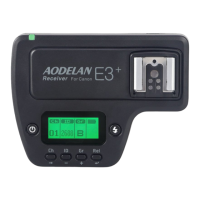
Wireless Trigger for Canon, please read this
instruction manual carefully. Please also note to upgrade its rmware to the
latest version following the instructions provided on www.aodelan.net. (To
check the rmware version, please see page 10).
Warnings
1. This product is a precise electronic instrument. Do not expose to damp
environments or dust.
2. Please shut down the power of all devices when installing the wireless
trigger.
3. Do not drop or crush.
4. Do not use the wireless trigger at ammable, explosive or high temperature
environment.
5. Do not use harsh chemicals or solvents to clean the body. Use a soft cloth
or lens paper.
6. Remove batteries from the wireless trigger if not being used for an extended
period.
7. Interference: The E3
+
wireless trigger transmits radio signals at 2.4GHz.
Its performance can be affected by electrical current, magnetic elds, radio
signals, wireless routers, cellular phones, and other electronic devices.
Environmental objects, such as large buildings or walls, trees, fences, or cars
can also affect transmission performance. If your wireless trigger can’t be


 To Next Page