35
Gr: Shooting with a Different Flash Mode for
Each Group
When using an EOS digital camera released since 2012, you can shoot with a
different ash mode set for each ring group, with up to 5 groups(A/B/C/D/E).
The ash modes that can be set are E-TTL II/E-TTL autoash, Manual
ash and
Auto external ash metering. When the ash mode is or ,
exposure is controlled to result in standard exposure for the main subject as a
single group. The function is for advanced users.
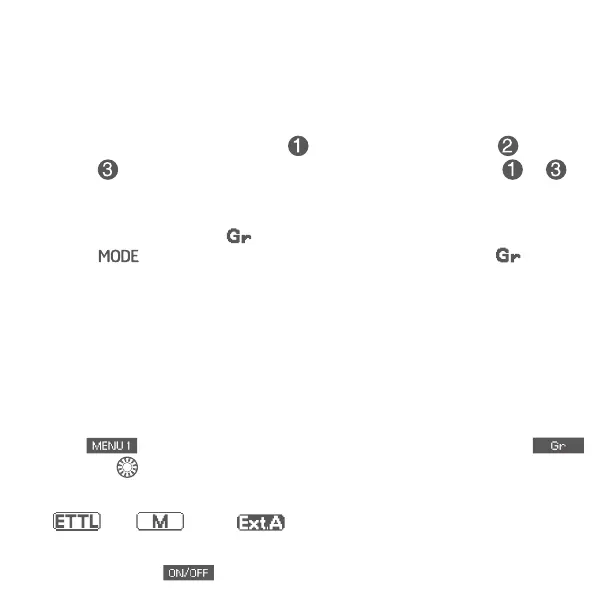
1. Set the ash mode to <
>
Press < > button on master unit to set the ash mode to < >.
2. Set the ring group on the slave units
Operate and set the slave units one by one, and set a ring group (A/B/C/
D/E) for all the slave units. For slave unit settings, see the ash or wireless
receiver’s instruction manual.
3. Set the ash mode
Set the ash mode of each ring group by operating the master unit.
While
is displayed, press function button corresponding to
and turn <
>to set the group.
Press function button 2 to select the ash mode of the selected group from
<
>, < >and< >.
To turn off the firing of the selected group, press function button 1
corresponding to and set it to <OFF>.


 To Next Page