41
V. Setting Transmitter Functions with Camera
Operations
When using EOS digital camera released since 2007, you can set ash
functions, transmitter functions or Custom Functions from the camera’s menu
screen. For the camera operations, see the camera’s instruction manual.
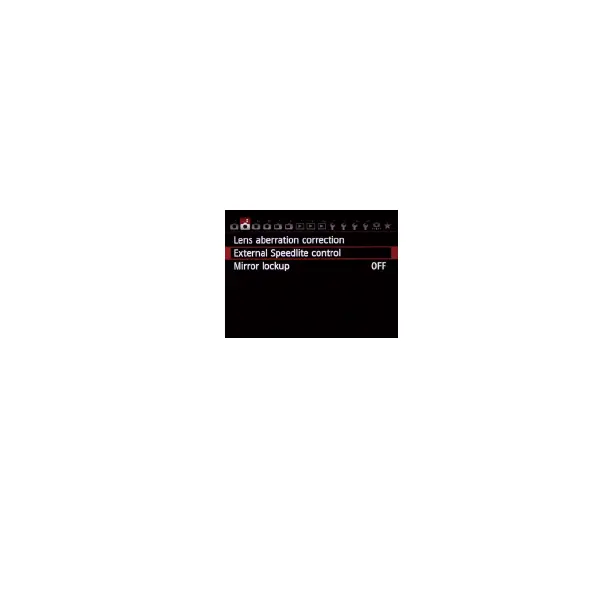
(Examples displayed are EOS 6D menu screen)
1. E3
+
Transmitter Function Setting
1.1 Select [External Speedlite control]or[Flash control].
1.2 Select[Flash function settings]or[External ash func. setting], the
screen changes to the (external) ash function settings screen
1.3 Select an item and set the function.(The setting screen varies
depending on the camera)


 To Next Page