19
TC5-2V2SA.rev.05
TC5-2V2SA
TEMPERATURE SET POINT
The temperature set point is the target room temperature. It can be ad-
justed between -40.0°F and 99.9°F (-40.0°C and 37.7°C).
Adjusting Temperature Set Point
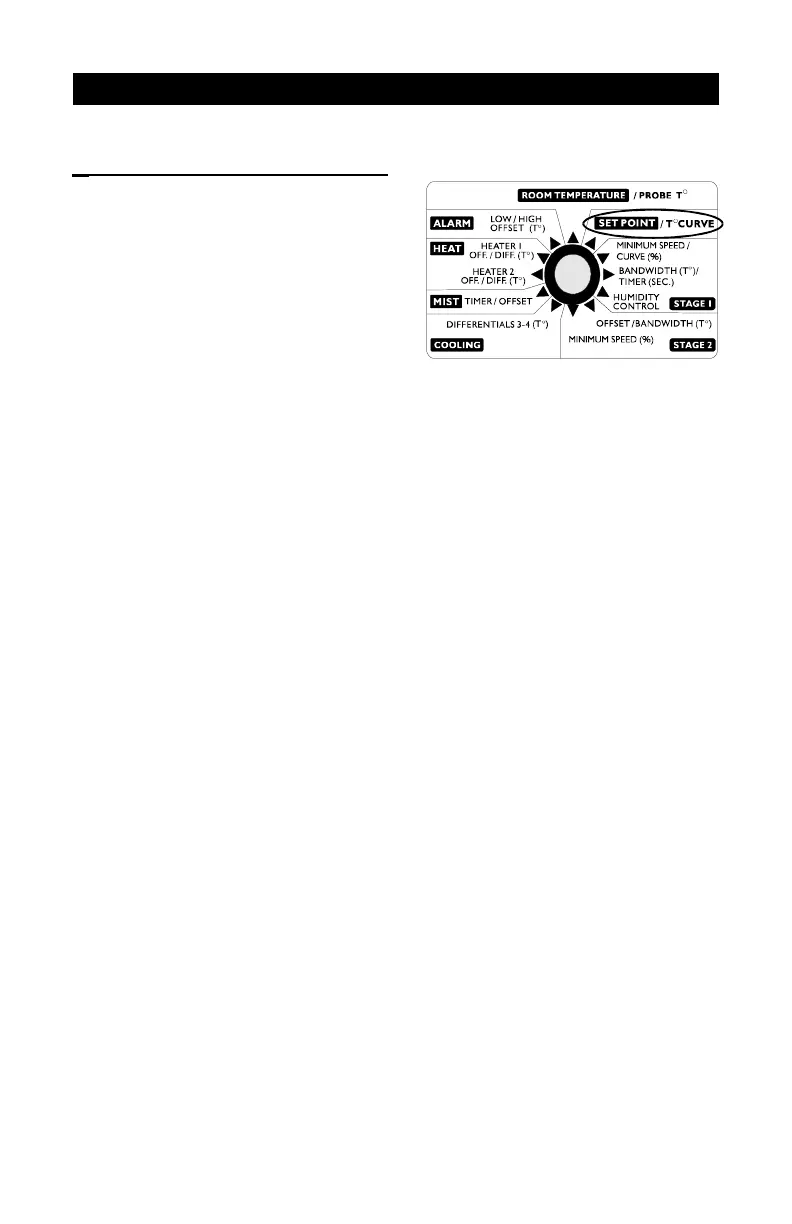
n Set the selection knob to SET POINT / T
o
CURVE.The current set
point flashes on the display.
n Use the adjustment knob to adjust the set point to the desired value.
NOTE: The temperature set point can be adjusted only if the temperature
curve is deactivated (see following section).


 To Next Page