14
TC5-2V2SA.rev.05
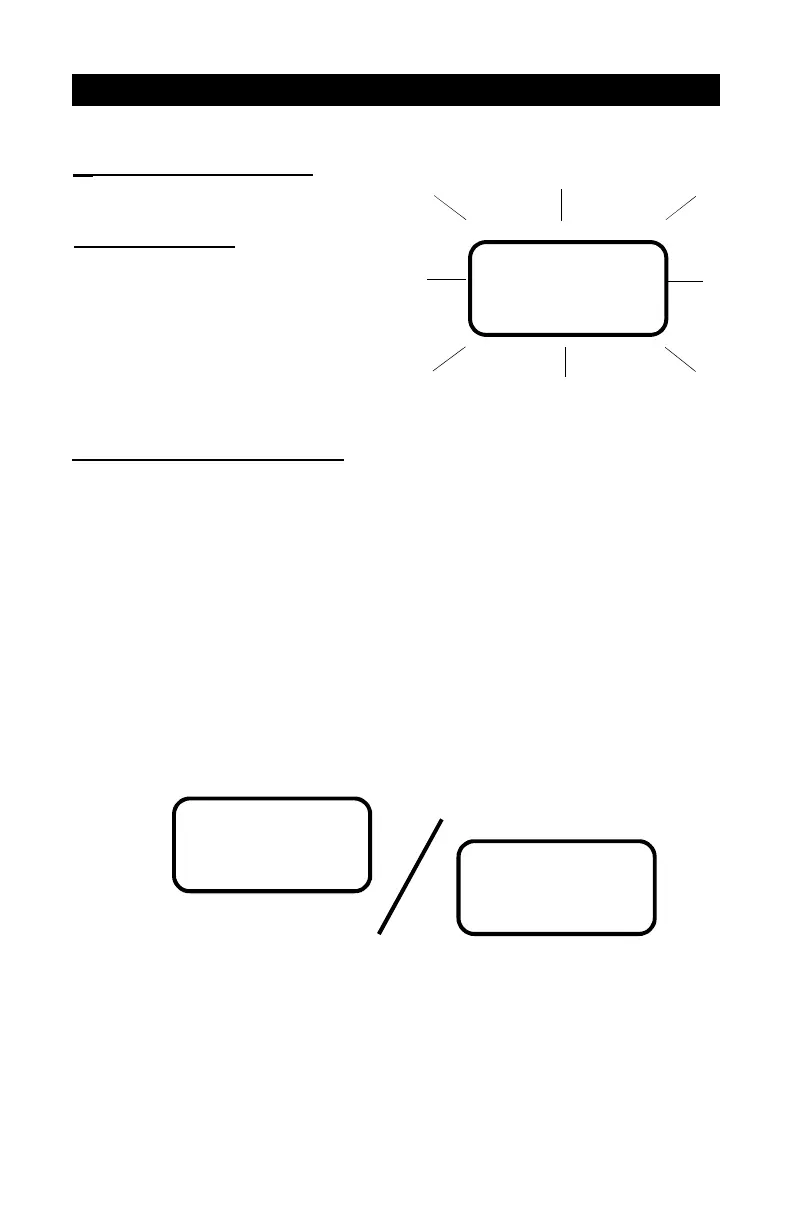
Flashing Values: The dis-
play will flash in certain cases
and not in others. The flash-
ing indicates that the value
shown can be adjusted. A
value that is not flashing can-
not be adjusted.
CHANGING THE PARAMETER SETTINGS
USING THE DISPLAY
Relative and Absolute Values: Some parameter adjustments are displayed
both as a relative value and an absolute temperature. This applies all heating
and cooling differentials, the mist differential and the heater offset. The
parameter is first displayed as a relative value. The corresponding absolute
temperature is displayed after six seconds if no action is taken by the user.
The absolute value is the temperature at which the stage turns on (except in
the case of the heater and mist offsets where the value displayed is the
temperature at which the stage turns off). If the user turns the adjustment
knob, the relative value reappears. For example, when the user turns the
selection knob to a differential position, i.e. DIFFERENTIALS 3-4, the
sequence is as follows:
(i) The current differential for stage 3 flashes on the display, alternating with
"St. 3".
78.0
(ii) If, after about 6 seconds, no action is taken by the user, the absolute
temperature value is displayed, alternating with "St. 3". In this case, the
absolute value is: Set Point + Bandwidth 1 + Offset 2 + Bandwidth 2 +
Differential 3.
St. 3
2.0


 To Next Page