Apeks Supercritical The Duplex™ Operation Manual
12
Revision Date 8/28/2018
2.2. Automation Overview
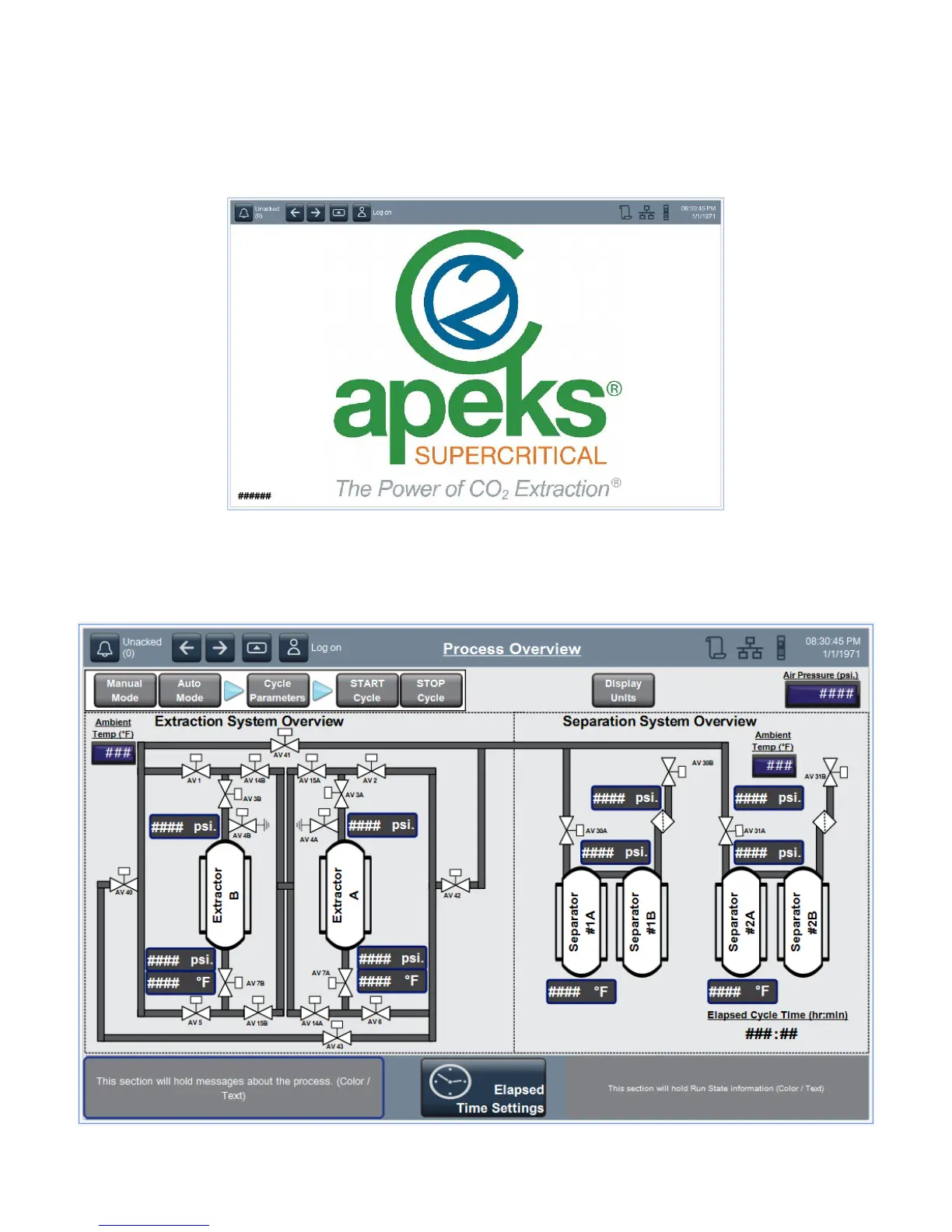
2.2.1. Logo Screen – This screen contains the software version information for your machine. You will
find the version in the lower left-hand corner of the screen. Contact Apeks with current version
information.
2.2.2. Home/Main Screen – This screen is the most common area to monitor the system during a
cycle. Key information such as temperatures, pressures and valve positioning can all be seen
on this screen as well as the cycle state. This screen is also how you will start the system and
contains the button to set the cycle parameters.


 To Next Page