Apeks Supercritical The Duplex™ Operation Manual
19
Revision Date 8/28/2018
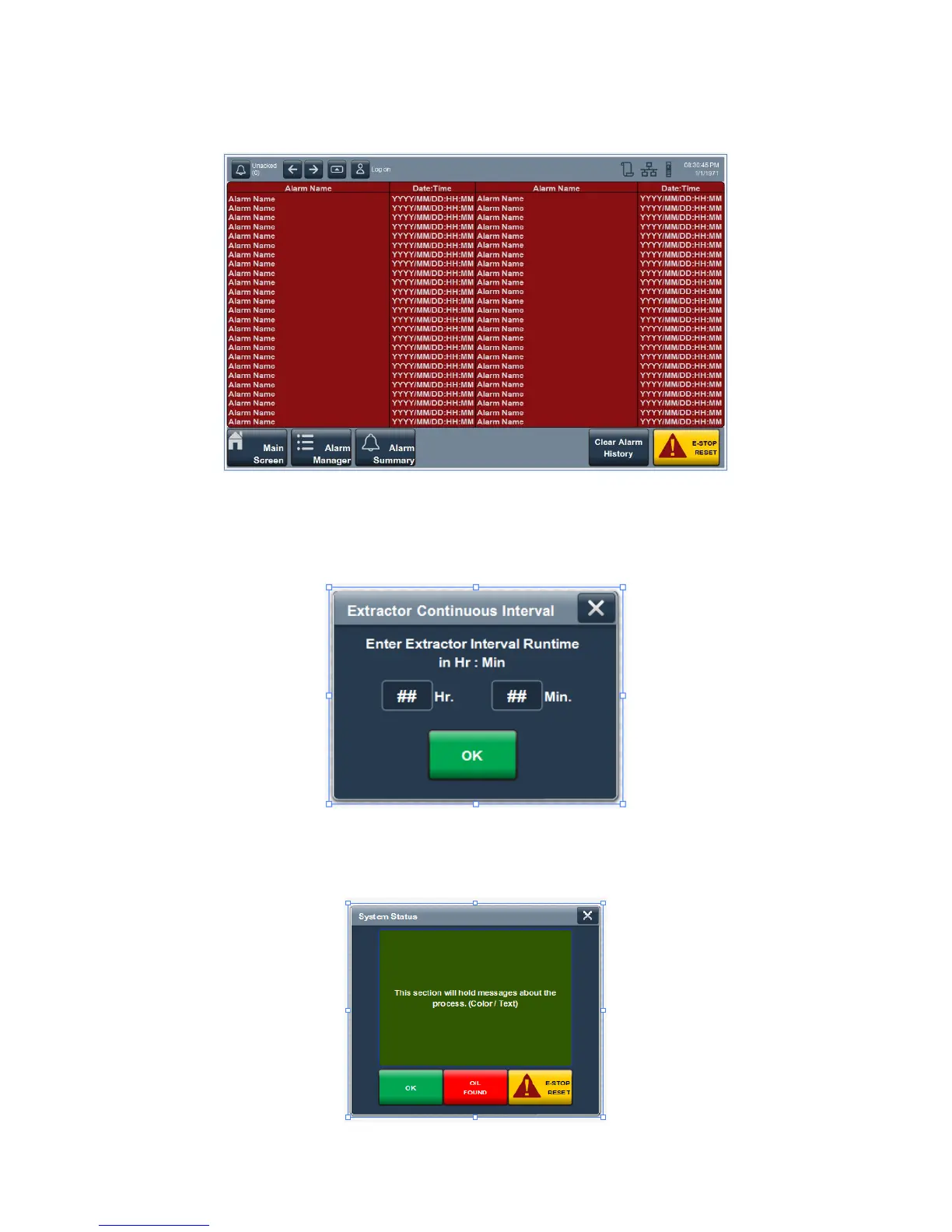
2.2.10. Alarm History Screen – This screen holds all the information about past alarms on the system.
See the troubleshooting section for information about specific alarms.
2.2.11. Popup Screens – These screens will either appear to prompt the operator to enter additional
information or will be called up by the operator to view or change parameters
2.2.11.1. Extractor Interval Time – This window will appear when continuous batch mode is
selected during startup on the cycle parameters screen.
2.2.11.2. System Status – This window will display messages and alarms to the operator. This
screen can be called up from the bottom left hand corner of the main screen. If no
message or alarm is active the operator will not see a button.


 To Next Page