MoreSecurity,MoreConveniencewww.apexis.com.cn/www.apexis.cc
2.5 For Mobile Phone
Choose Sign in mobile phone, and sign in.
Mobile phone doesn’t support ActiveX, only some basic functions can be available in this mode.
It supports Iphone, Smart phone, 3G phone etc. Normally, if the mobile phone supports network video, then it
can work with our IP Camera.
Figure 3.4
2.6 ActiveX Mode (For IE Browser)
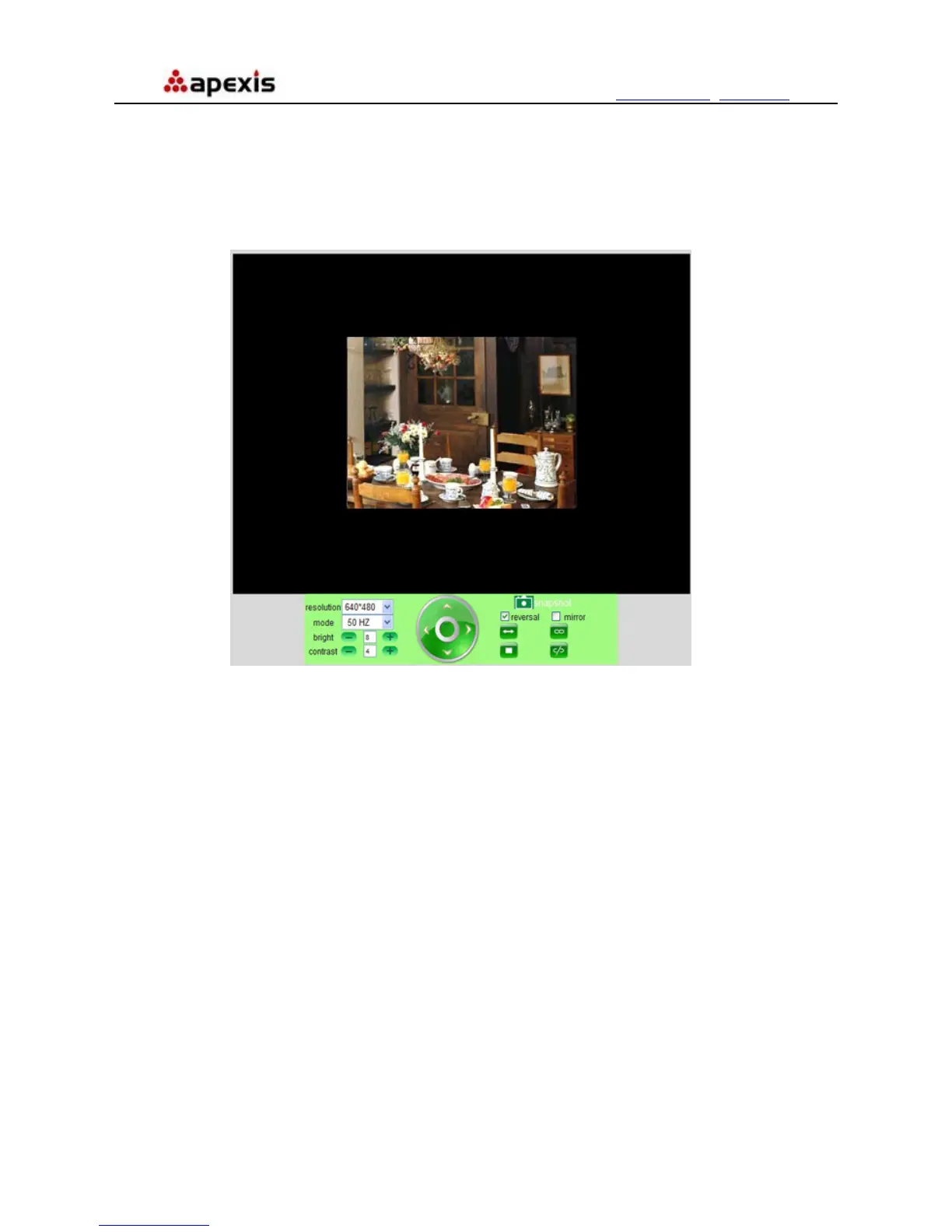
Login the camera in ActiveX mode, the main User Interface as below:
NOTE: There are 3 levels of users, Visitor, Operator, Administrator, if you login with different users, the use
authority is different. (See 3.11 User Settings, Figure 8.5)
2.7 For Visitor
When login as Visitor, you can enter the IP Camera for visitor.
Visitor is the lowest level with only some operation available
Shenzhen Apexis Electronic Co., Ltd Tel: +86-755-26509025 Fax: +86-755-26509229
15


 To Next Page