33
6.1 Monitor Control Section
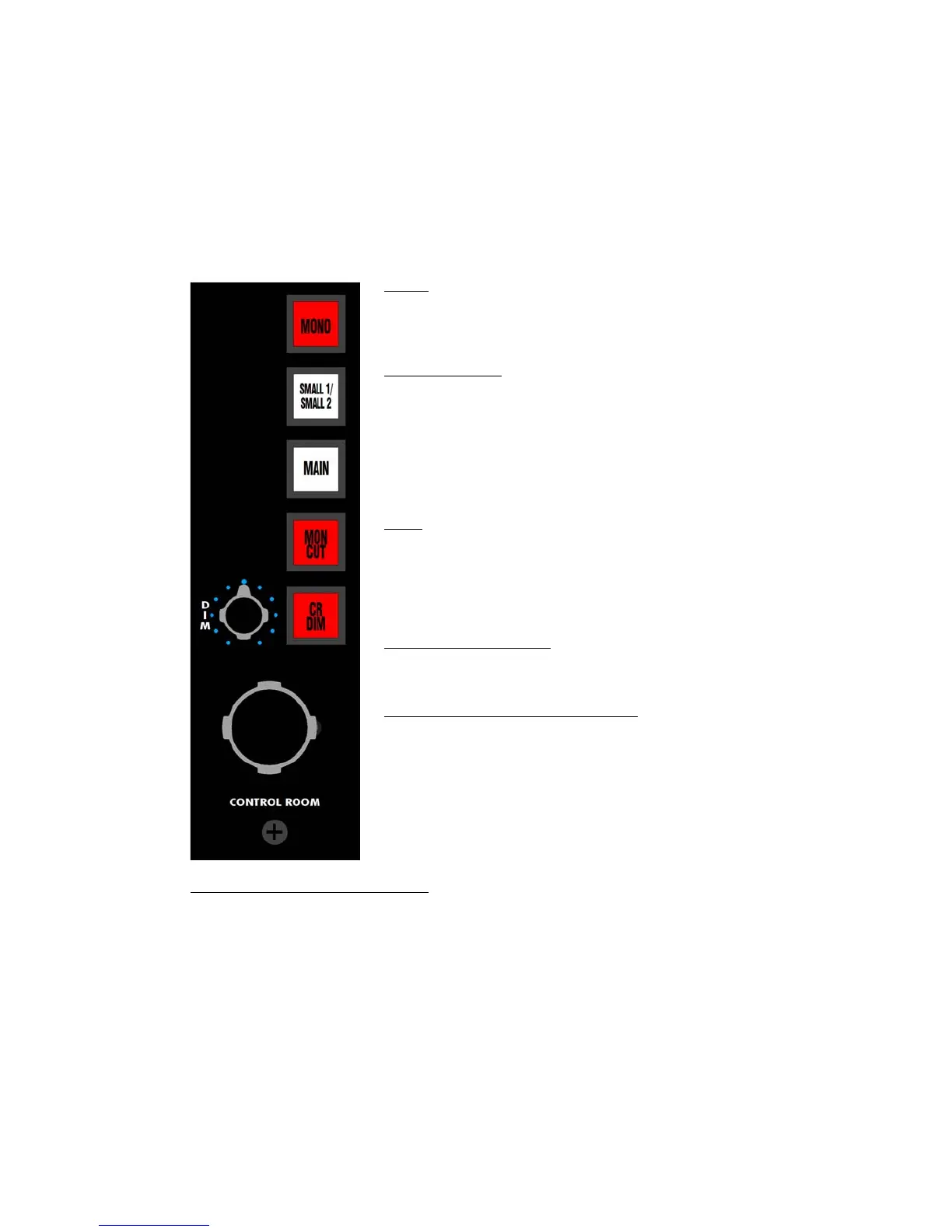
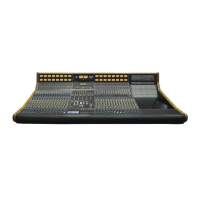
845B Monitor Control section provides a comprehensive set of controls for up to three Control
Room Monitor systems. Features include:
• Monitor volume control
• Monitor cut
• Control Room monitor dim with level control
• Monitor system selectors
• Switchable mono summing
The 845B Monitor Control section functions as follows:
CONTROL ROOM MONITOR LEVEL: Controls the output level of the Monitor Control section
• Volume control for the selected monitor system
• The largest and most dangerous knob on the console…please use it wisely!
MONO: Sums the Left and Right Control Room Monitor output to
mono.
• The MONO button works with all monitor selections
• Illuminates in red when engaged
SMALL1/SMALL2: Selects between the Small 1 and 2 Monitor
systems when the MAIN monitor button is disengaged
• Supports two stereo monitor systems
• Routes the Monitor feed to the Small2 when engaged
• Routes the Monitor feed to the Small1 when not engaged
• Only active when the MAIN button is not engaged
• Illuminates in yellow when active
o Illuminates slightly brighter when engaged
MAIN: Routes the Control Room Monitor feed to the Main monitor
outputs
• Supports one stereo or 5.1 monitor systems
• Routes the Control Room Monitor feed to the Small monitor
selector when not engaged
• Illuminates in yellow when engaged
MON CUT (Monitor Cut): Cuts the Control Room Monitor feed
• On/off switch for the Control Room Monitor section
• Illuminates in red when engaged
CR DIM (Control Room Dim button): Attenuates the Monitor output
by routing the Monitor feed through the DIM attenuation pot
• The CR DIM level is set by the DIM pot
• CR DIM is automatically engaged when:
o The TO BUS button is engaged on the Oscillator
o Any of the Talkback buttons (T/B ALL, T/B TO AUX, or
SLATE) are engaged
• Illuminates in red when engaged


 To Next Page