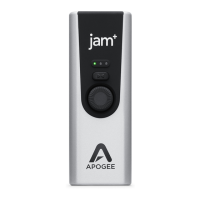
Apogee Jam X User’s Guide
Working with Jam X
Jam X LED Functionality
Use the Jam X’s multi-color LED lights, buttons, and knob to adjust your audio signal level, monitor
settings, and compressor presets.
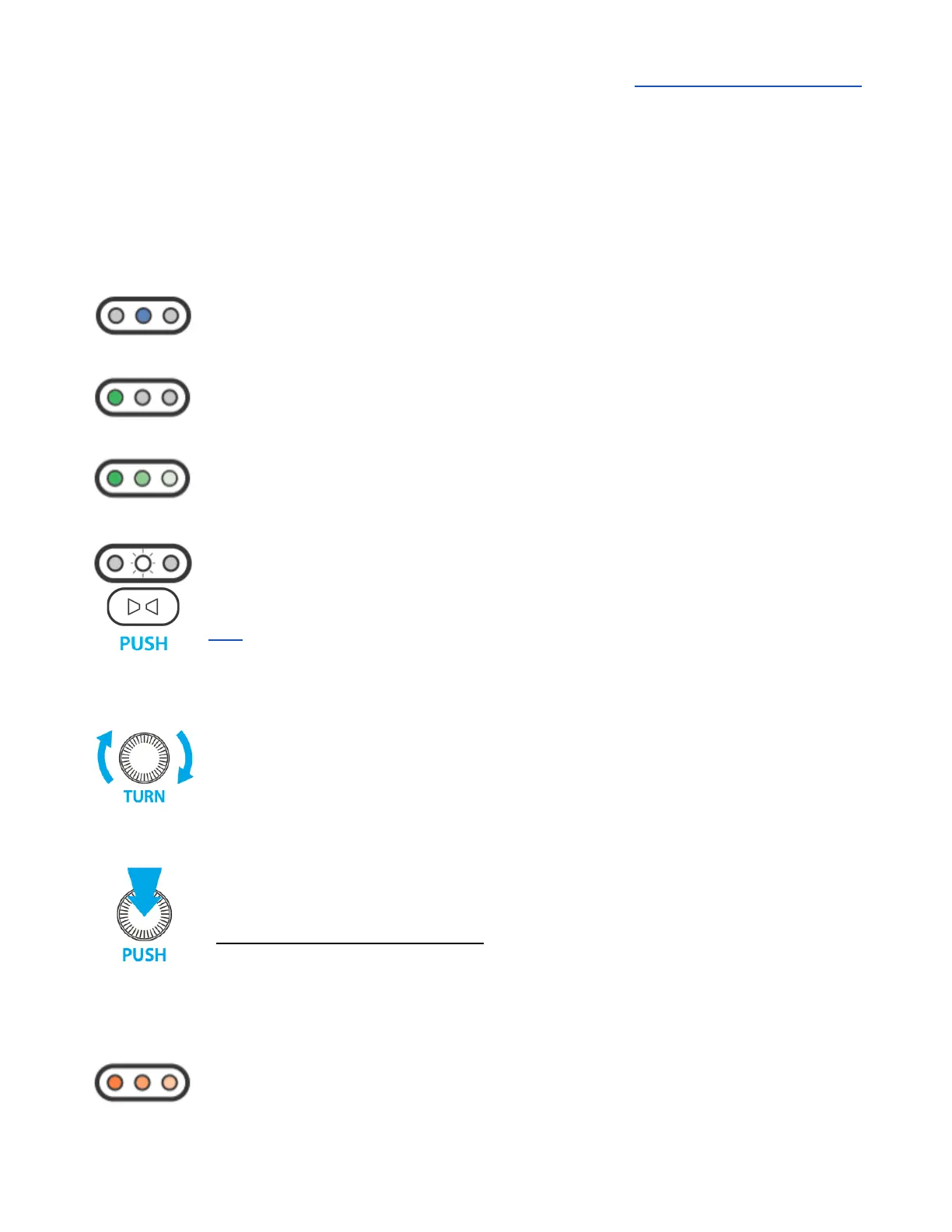
Jam X will display a blue LED when first connected via USB.
No sound will pass when in this standby mode.
Audio input and outputs will activate when an audio application plays through the Jam
X (such as playing Apple Music or Spotify), or attempts to record from Jam X’s ¼”
instrument input (like Garageband or Ableton Live).
When the LED is green, it will pulse with the signal level.
Use the Input Level adjustment controls to change the input settings.
Push the Blend button to toggle Blend (direct monitoring) on/off.
When Blend is on, the ¼” input signal is blended with playback from your audio app
and routed directly to the headphone/speaker output. Use this for a low-latency direct
signal that does not rely on the monitoring functions of your recording software. See
here for more about low-latency direct monitoring.
Turn the Input Level adjustment knob to change the input recording level.
A good rule of thumb is to adjust this knob so that your strongest playing occasionally
triggers the right LEDs to turn orange.
When compression is engaged, increasing the Input Level results in more
compression rather than an increased input level. Use the Input Gain knob to control
the amount of compression applied to the input signal.
Push the Input Level adjustment knob to toggle between Compressor presets.
A Blue LED displays for 1 second to indicate the compressor preset selected.
The Compressor has three presets:
Left LED: Smooth Leveler - Gentle and smooth compression
Center LED: Purple Squeeze - Medium compression
Right LED: Vintage Blue Stomp - Fast and Heavy compression
No LED: Compression is Off
The Orange LED indicates the input signal is engaging the Soft Limit analog circuit.
Soft Limit engages when the input level reaches -4dBfs; this setting is fixed and
permanent.


 To Next Page