Apogee Jam X User’s Guide
Installing Jam X Software
For Windows 10 & 11 users, download the Apogee ASIO Driver from the link below:
https://apogeedigital.com/installer-downloads
For macOS and iOS users, no software is required to connect Jam to your Mac, iPhone or iPad.
After registering your Jam X at the link below, you’ll receive links to download accessory software:
● Ableton Live Lite, a digital audio workstation;
● Neural Archetype: Tim Henson, a virtual guitar amp/FX plugin.
https://apogeedigital.com/my-account
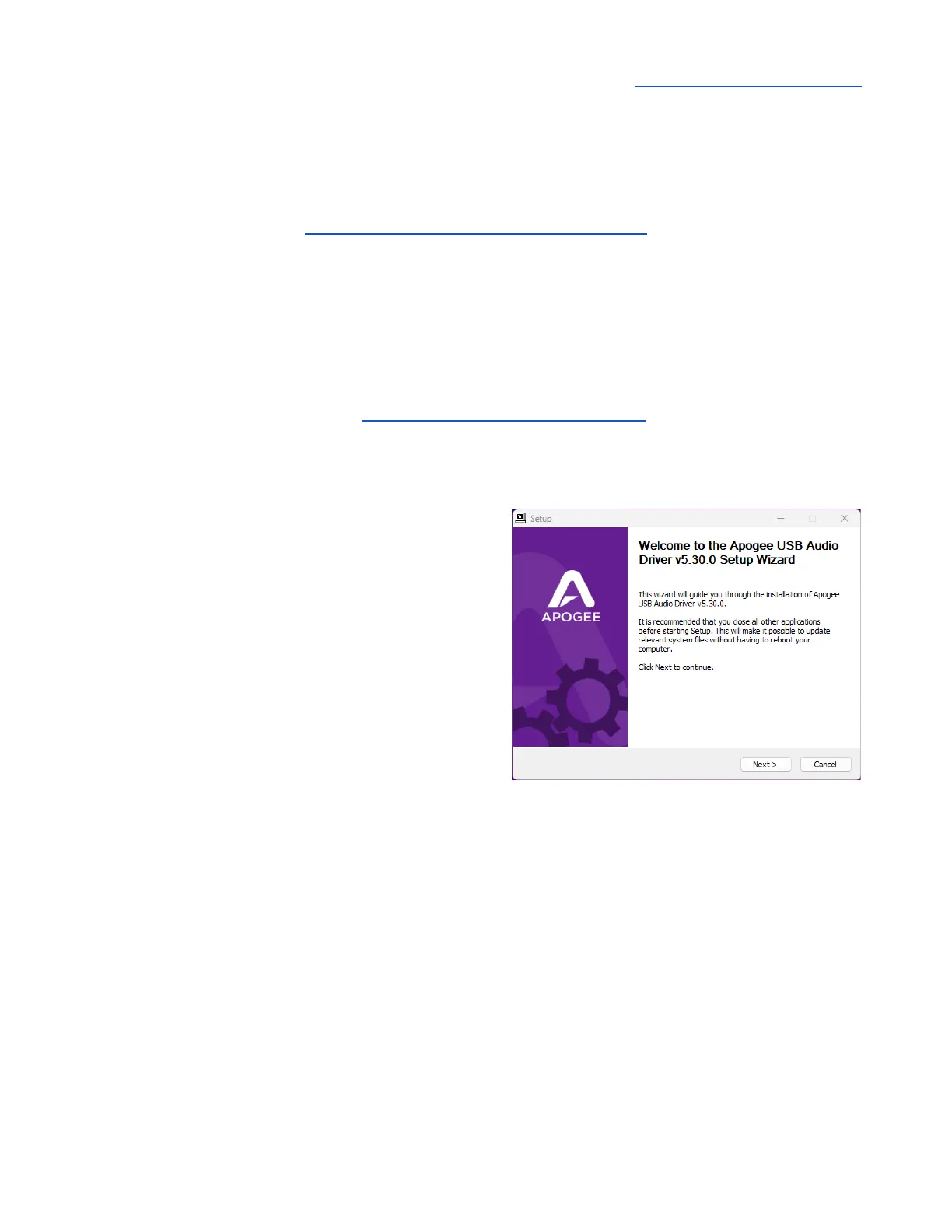
Windows 10 Installer
1. In your Downloads folder, double-click the .zip file
to extract it, then double-click the .exe file to start
the installation process.
2. Click Next through all steps, then click Finish at
the final step.
3. You should restart your computer immediately.



 To Next Page