Apogee Jam X User’s Guide
Configure the Computer’s OS to use Jam X for Audio I/O
macOS
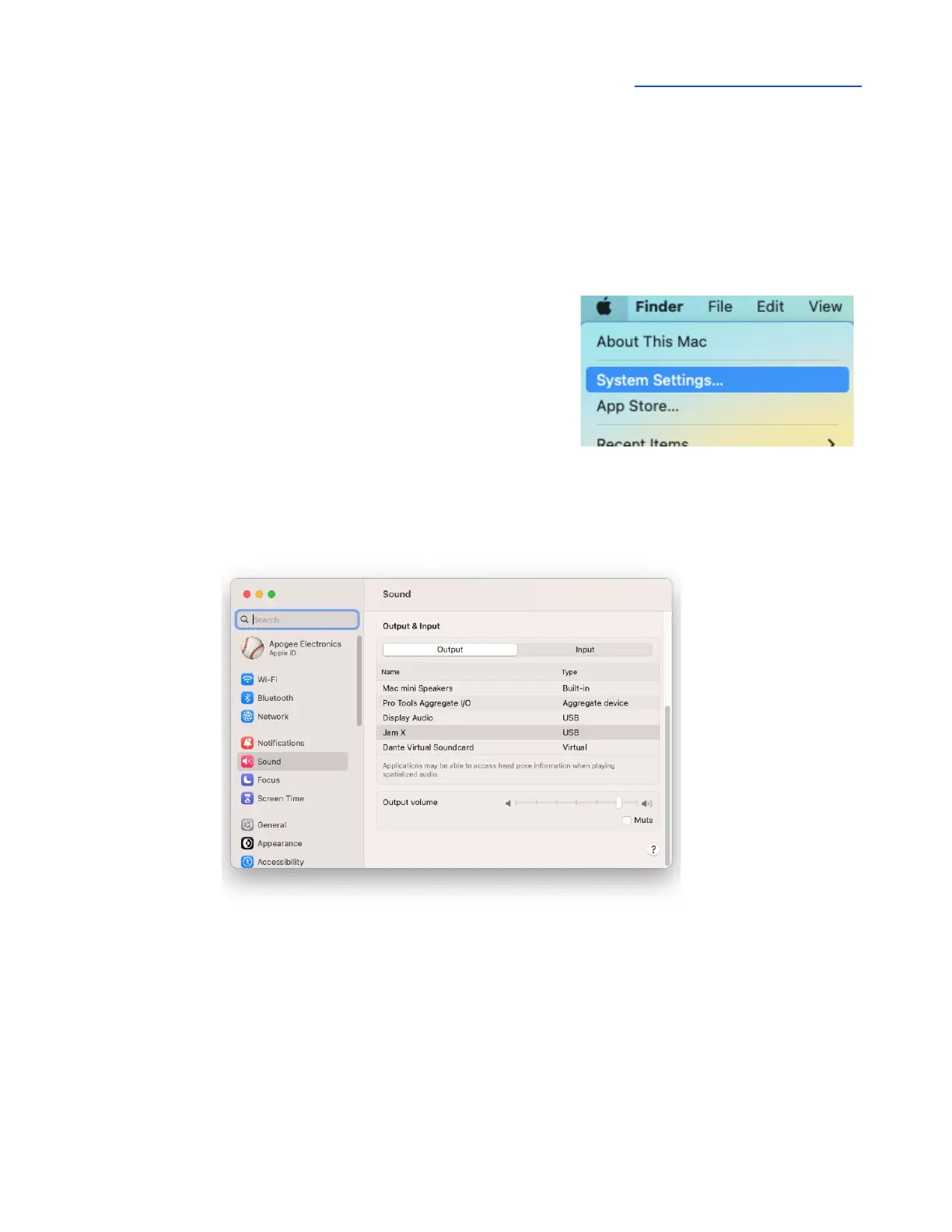
To choose Jam X as the audio interface for Mac applications that don’t have specific audio hardware
preferences, such as Safari, Spotify, Voice Memos and others:
1. Open System Settings by choosing Apple menu > System
Settings.
2. Click the Sound icon to open the Sound Settings panel.
3. Click the Output tab, then click Jam X in the devices list.
4. Click the Input tab, then click Jam X in the devices list.



 To Next Page