Page 6
The Apollo GEM Control Unit
The Standard Apollo GEM control unit is usually located near the consumer unit and controls the
operation of the whole system.
With the optional wireless sensor transmitter kit the control unit can be located away from the
consumer unit, typically near the hot water cylinder or other connected appliance. The wireless
configuration may also be required if the water heater or other appliance connected to the
controller does not have a dedicated circuit wired back to the consumer unit.
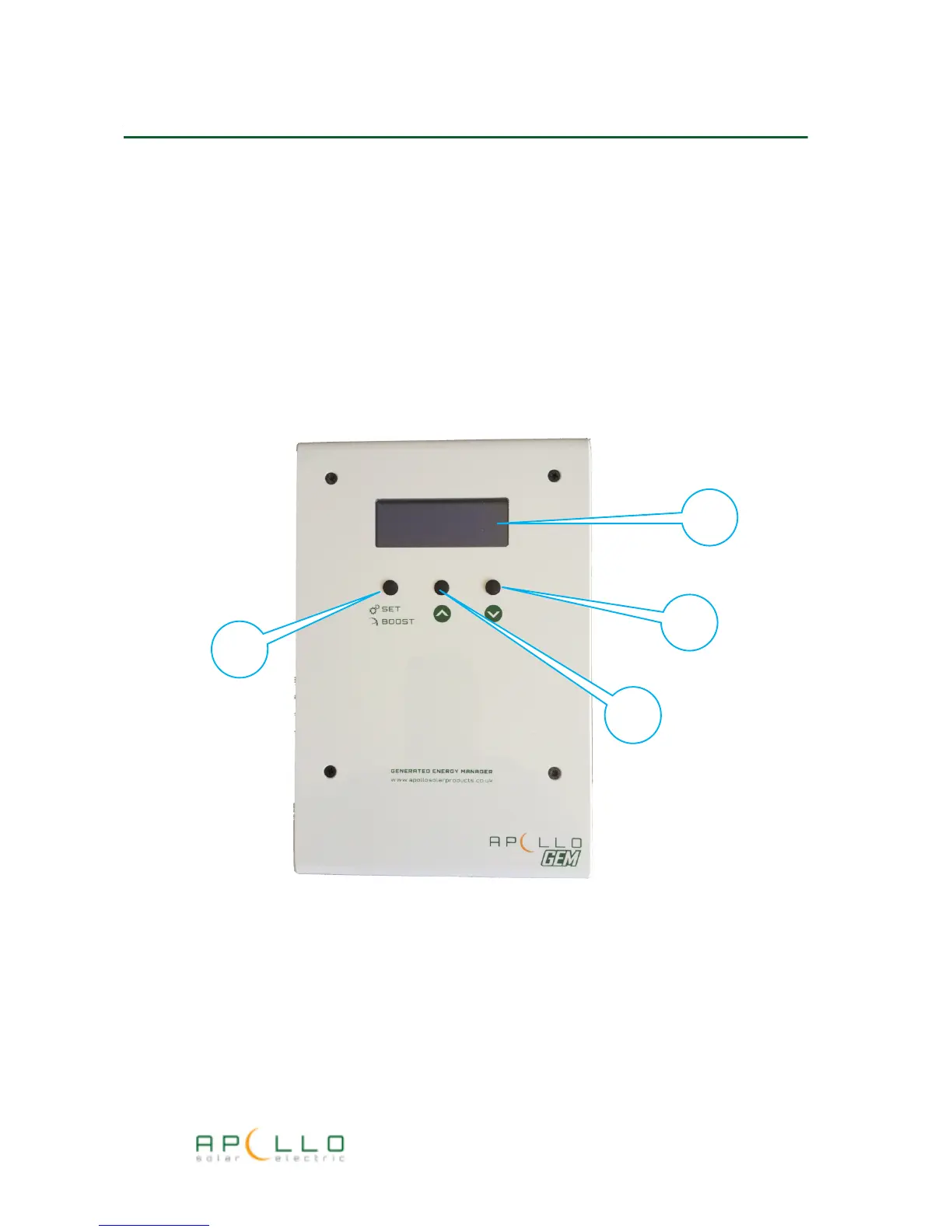
The picture below shows the Apollo GEM control unit and features.
1. Four line status display
2. SET/BOOST Button used to switch on hot water boost or enter set-up mode
3. UP button used to select status display screens or make selections in set-up mode
4. DOWN button used to select status display screens or make selections in set-up mode
Apollo GEM Installation & User Manual



 To Next Page