SW Version 2.04 30-January-2009 Page 51 of 128
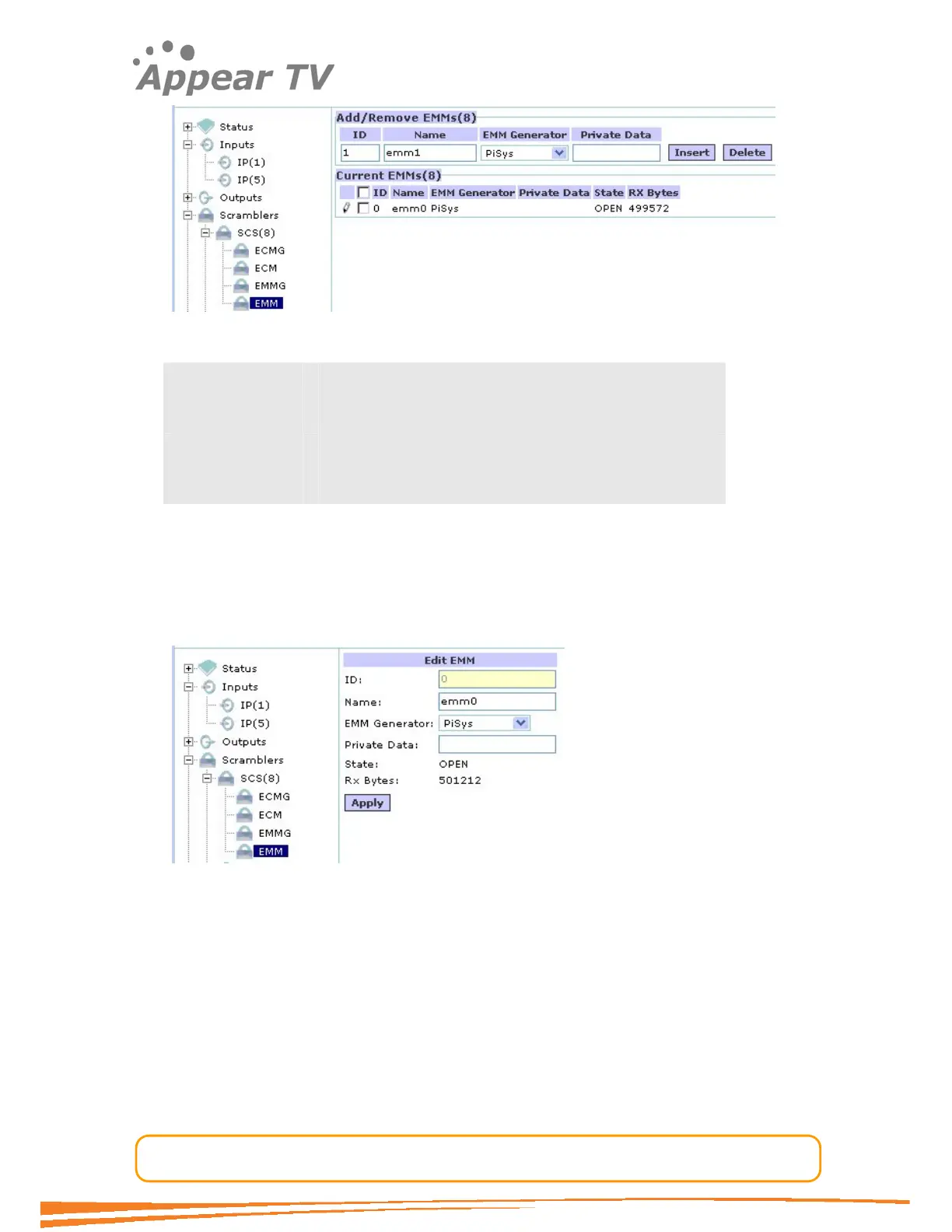
Figure 41 -Adding an EMM
ID The Simulcrypt Stream ID used towards the CA system
Name Used for reference in the GUI only
EMM Generator Links the EMM to the predefined EMM generator
Private Data Private descriptor data added to the CAT.
Note that at this point the EMM stream is defined and the CA system is able to start
the streaming of EMMs to the SCS module. However the EMM is still not mapped to
any outputs. Please refer to the chapter on “output configuration” for details on how
to do this.
To change an EMM configuration click on the EMM tab in the navigation tree, enter the
new configuration and click the “apply” button.
Figure 42 - Edit an EMM
4.4.3.8 Multiple CA System Support
The scrambling solution supports simultaneous support of several CA systems. There
are no particular configuration issues regarding this, but merely a matter of defining
the appropriate ECMGs, ECMs, EMMGs and EMM connections required. Which system
to be used for the actual scrambling is defined as part of the output configuration
process.



 To Next Page