SW Version 2.04 30-January-2009 Page 12 of 128
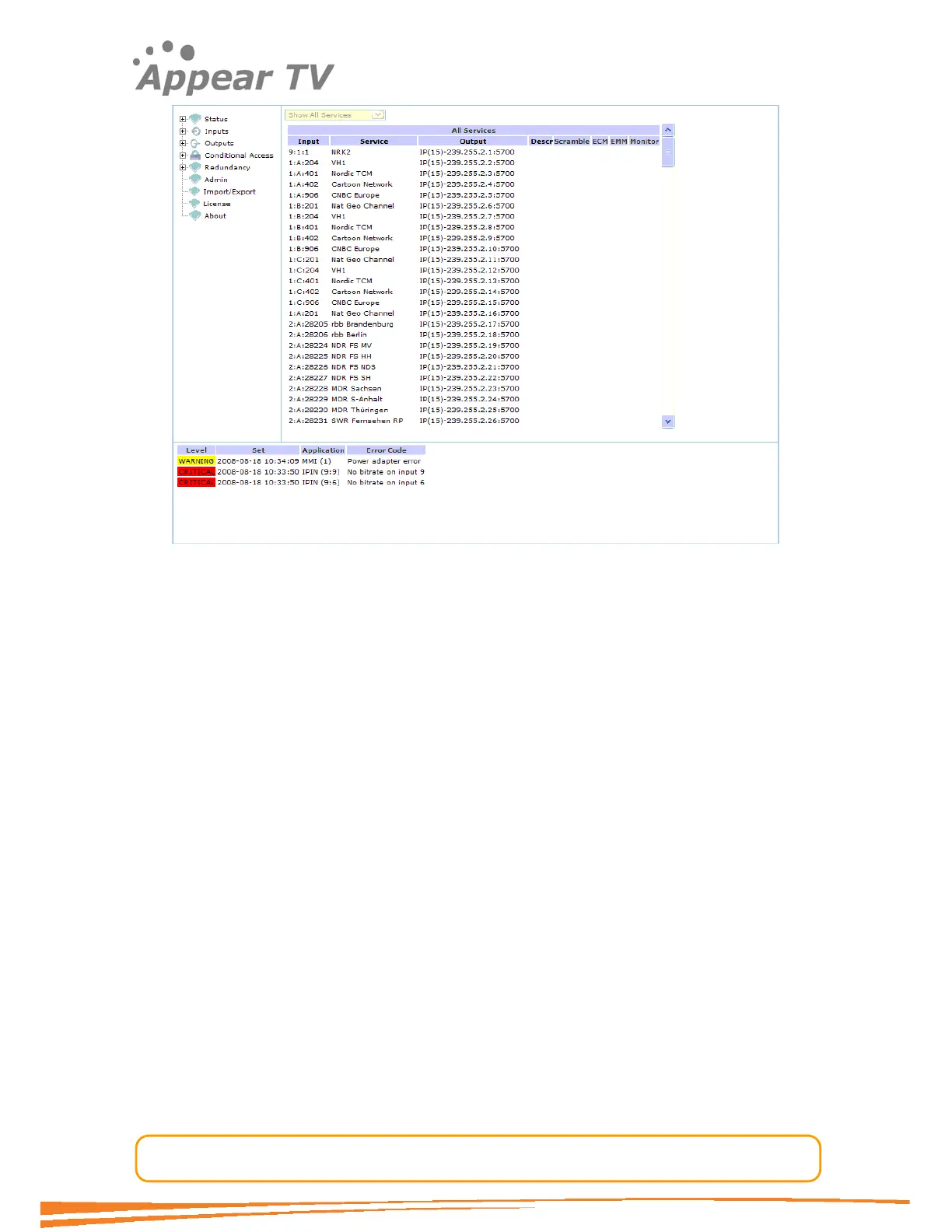
Figure 4 - WEB Home Page
The screen area is divided into several sub-areas: a navigation pane on the left, a
main display page on the right and footer at the bottom of the page. The navigation
pane is used to access different display pages, while the footer displays alarms.
Note:
Please note that if you have previously connected to a unit with the same IP
address, the arp table on your computer might be wrong. Please type at a DOS
prompt “arp –d 192.168.1.100” to delete the old arp entry.
4.1.2 Assigning an IP Address
Open the Admin folder (click on it) in the navigation pane and the window in Figure 5
will be displayed. The window displays the installed modules with their respective
network settings. Figure 3 displays the MMI module to be in slot 3.



 To Next Page