SW Version 2.04 30-January-2009 Page 87 of 128
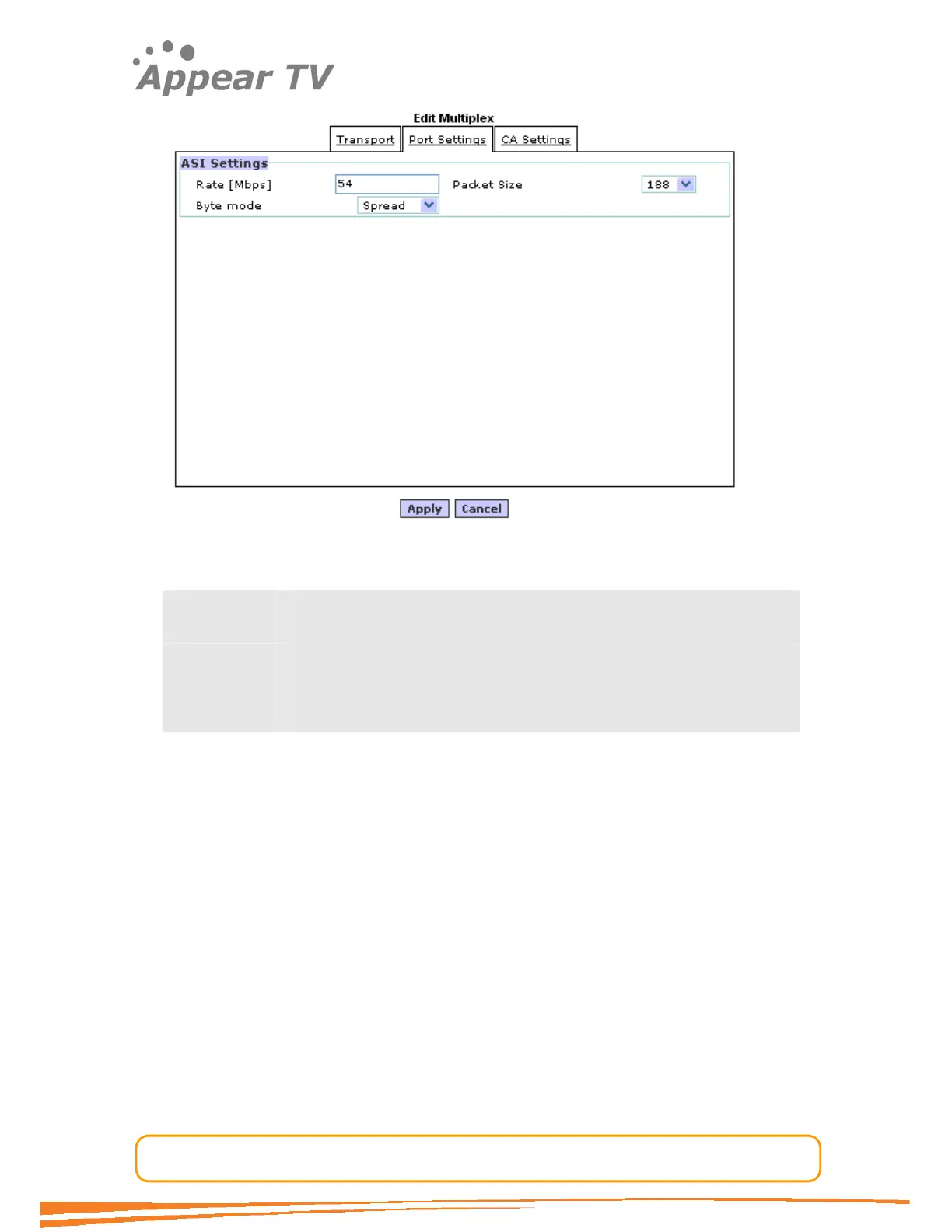
This dialog is like the Edit Multiplex dialog in the IP out card except that the ASI
settings field has replaced IP settings field. The ASI parameters are:
Rate [Mbps] The total ASI output rate. The stream will be stuffed with NULL
packets to maintain the correct fixed bitrate.
Packet Size The TS packet size (188/204)
Byte Mode The byte mode specifies how the TS data is transported over the ASI
link.
Burst/Byte Mode
In burst mode all the TS-data-bytes are sent without any idle symbols in between. In
spread mode the ASI specification requires at least one idle byte between each data-
byte, and that each packet start indicator (0x47) is preceded with at least two idle
bytes. The ASI output stream in spread mode guarantees that each data-byte is
preceded with two idle symbols. This effectively reduces the maximum data rate to
1/3 of the maximum ASI output rate, i.e. (213/3) Mbps. If higher rates are required
use burst mode.
4.7.4.3 QAM Output
The QAM output card can output up to 8 separate MPTS’s. The QAM output
configuration is similar to the configuration of an IP MPTS output, except that the Port
Settings tab in the Multiplex dialog is different. For a description on all parameters
except the Port Settings please refer to paragraph 4.7.4 “Generation of MPTS
Streams.
Although the QAM output has one physical plug it carries up to 8 transport-streams.
Internally these streams are modulated by two QAM modulators (see figure in chapter
3.4.3). The configuration of the QAM modulator parameters has been put into a
separate node in the navigation tree below the QAM output, called Device Setup.



 To Next Page